Pedestrian Library
The AnyLogic Pedestrian Library lets you use simulation to model pedestrian flows, movement patterns, and interactions across environments like airports, stations, retail spaces, and urban areas. Explore different conditions and understand how each environment performs before it exists.
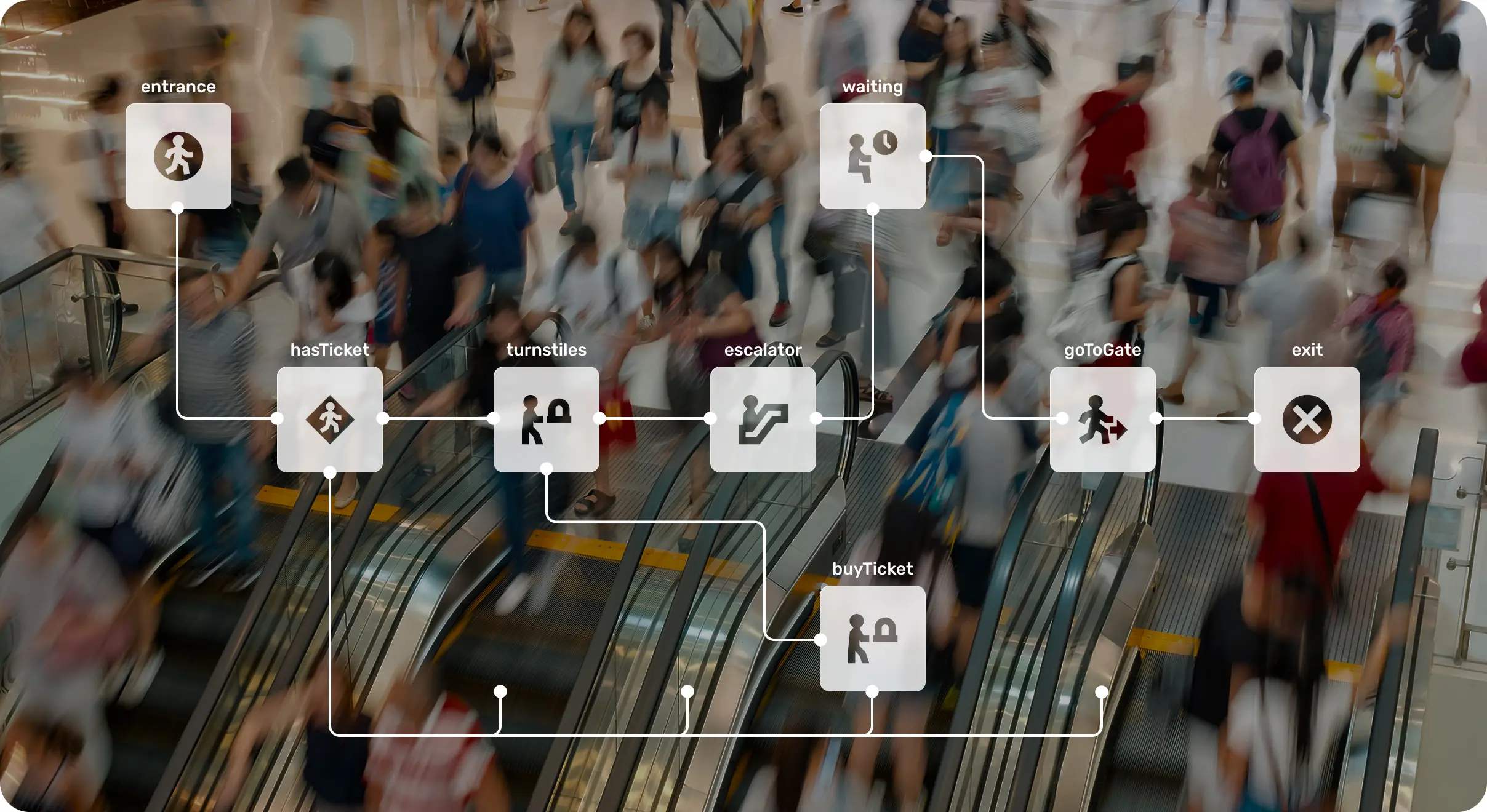
Design Better Spaces with Pedestrian Simulation Software
Improve flow and reduce congestion with the AnyLogic Pedestrian Library by testing decisions in a risk-free environment before implementation.











See How People Actually Move
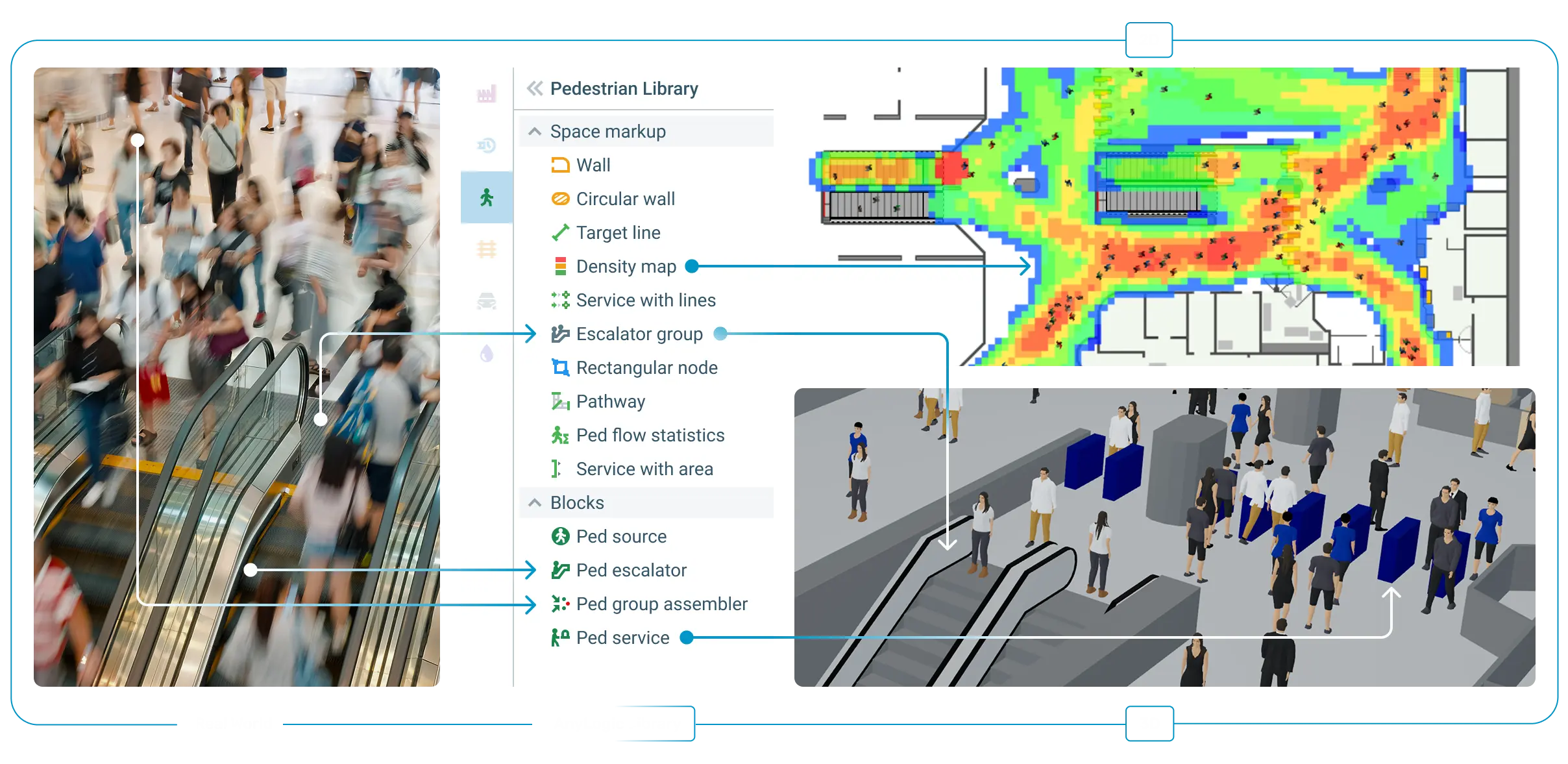
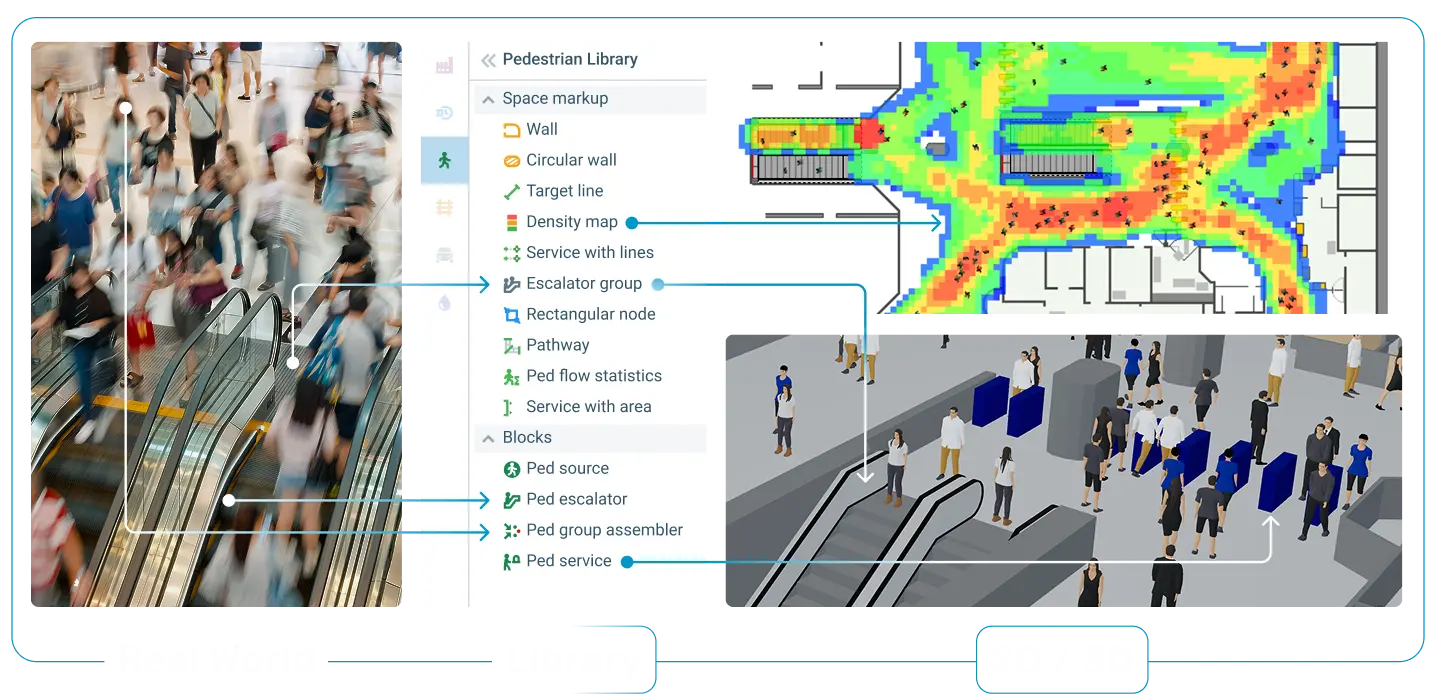
Build a pedestrian simulation to explore how flows form, shift, and respond to changes in space, demand, and operations. View results in 2D and 3D with density maps and see how small design decisions impact movement from daily use to peak loads.
Solve Real Problems with Pedestrian Simulation Software
Use pedestrian simulation to explore how people move and interact under real conditions, test scenarios early, and make informed decisions before implementation.

Analyze how crowds distribute across large venues and identify pressure points before they form.
Test evacuation scenarios under time pressure and high-density conditions.

Shape movement through layout design, routing logic, and placement of entrances, exits, and service areas.

Study queues, waiting areas, and service interactions to improve throughput and reduce delays.

Balance flows across shared spaces to minimize congestion and improve overall circulation.

Evaluate how changes in demand, layout, or operations impact performance across the system
Why AnyLogic as Pedestrian Simulation Software?
AnyLogic gives you more than pedestrian simulation alone. It lets you model realistic crowd movement, visualize flows in 2D and 3D, and connect pedestrian behavior with broader systems such as transport, operations, staffing, and facility processes.

Digital twin implementation
Create dynamic, data-connected digital twins of your operations to monitor real-time performance, anticipate future states, test decisions, and continuously optimize outcomes. Digital twins in AnyLogic provide you with a virtual playground for exploring possible future scenarios.
Learn more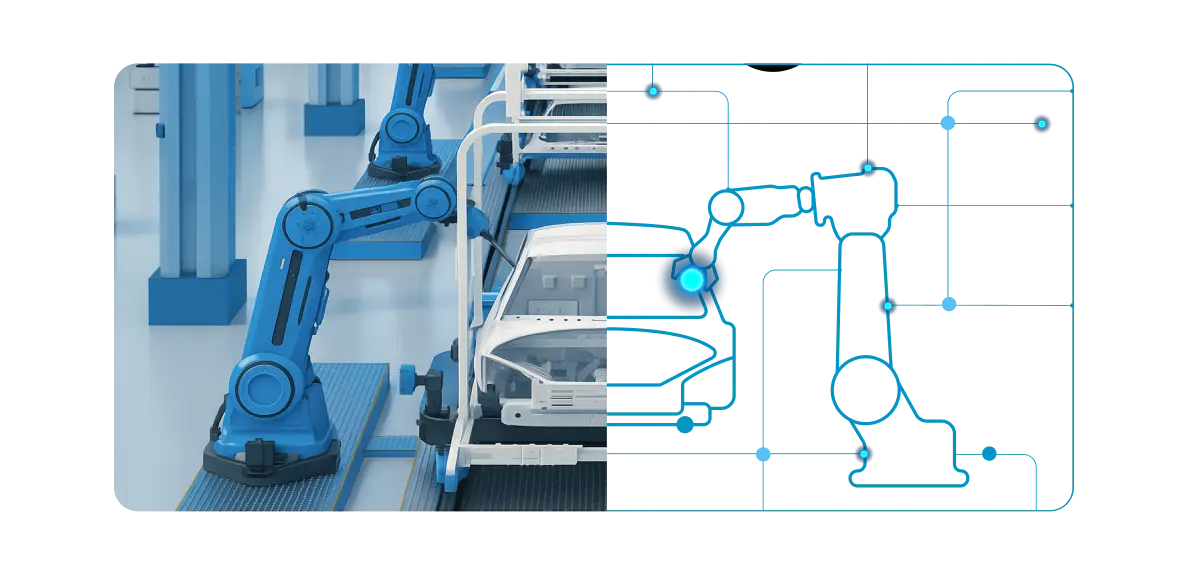
Cloud deployment
Run, share, and scale your simulations in the Cloud, publicly or privately. Our Cloud platform supports parallel execution, collaborative modeling, and seamless API access to integrate with enterprise systems and build custom applications around your models. AnyLogic is the only simulation vendor with a fully functional Cloud solution.
Learn moreEnterprise simulation
Turn simulation into a core enterprise capability. Embed simulation models directly into business processes, connecting them with enterprise systems such as ERP, CRM, and BI tools.
Learn more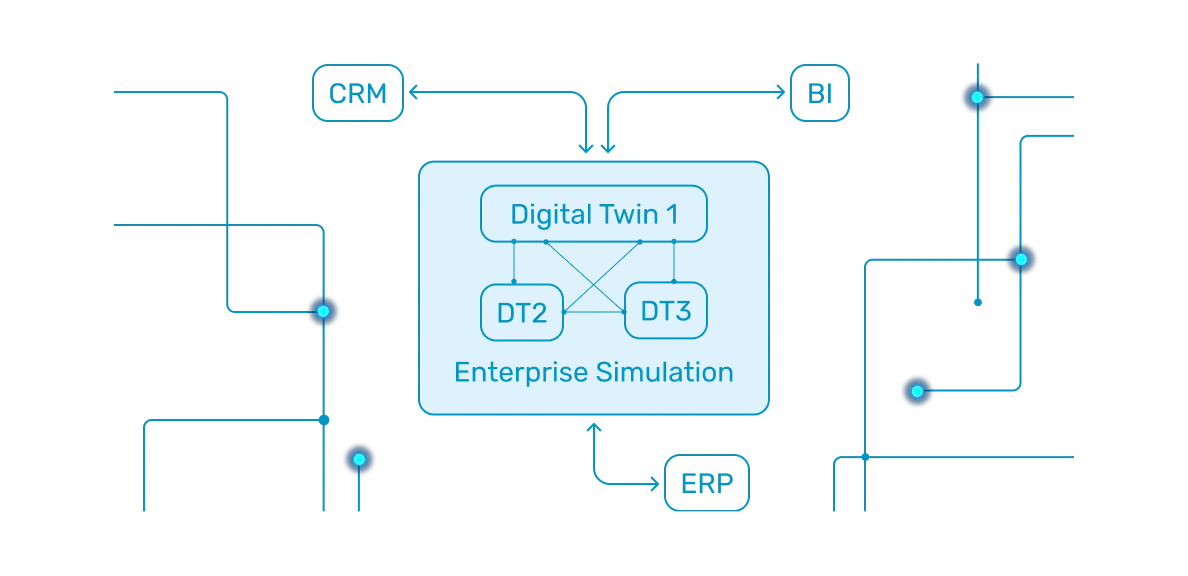
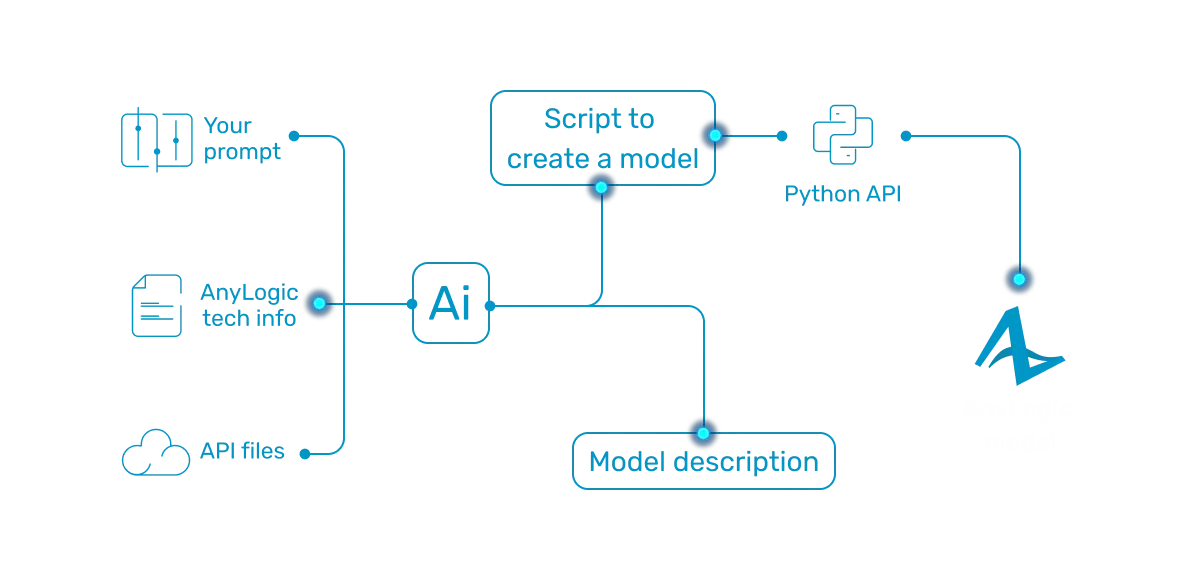
Simulation + AI
Enhance your models with AI capabilities. Use simulation to generate synthetic data, apply reinforcement learning models, and use an AI-driven assistant to help you build simulation models.
Learn moreOpen simulation platform
Connect, extend, and integrate without limits. AnyLogic is designed as an open platform that seamlessly integrates with your existing technology stack, data sources, and enterprise systems.
Learn more

Choose your 3D level of detail
Make your models as detailed as you like. Benefit from AnyLogic’s built-in 3D capabilities. When needed, use the official AnyLogic-NVIDIA Omniverse integration that allows simulation modelers to create photorealistic animation.
Learn moreMultimethod simulation
Model any manufacturing or warehouse systems and processes efficiently, without compromise. Combine main simulation methods and different AnyLogic libraries in unified models and switch seamlessly between different levels of abstraction.
Learn more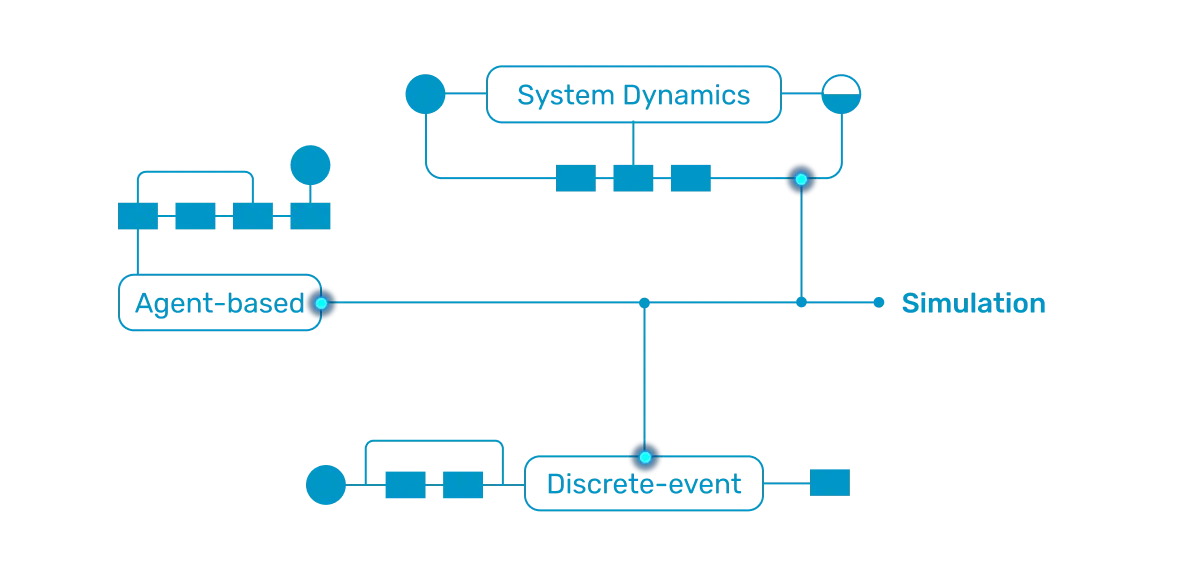
Discover and Combine AnyLogic Libraries
AnyLogic provides you with six built-in libraries for the most popular domains and use cases. Combine their intuitive drag-and-drop elements to accurately model the logic, constraints, and dynamics of your real-world systems. All within a single simulation environment.
Back to overview
 Process Modeling Library
To model operational workflows across industries


 Material Handling Library
To model and optimize material flows in factories, warehouses, and more


Explore Models Built With the Pedestrian Library
Built with the AnyLogic Pedestrian Library, this simulation model recreates a full day of passenger movement at an international airport. You can see how passenger flow, service parameters, and staffing levels impact waiting times and resource utilization.
Explore this and other pedestrian simulation models in AnyLogic Cloud to see how space performance changes under real conditions.
How Organizations Use Pedestrian Simulation
See how companies use pedestrian simulation to analyze movement, reduce congestion, and improve safety. Explore real examples of how simulation supports better design and operational decisions.












Learn More About Pedestrian Simulation
Check out our blog posts, academic articles, and other materials to see the impact of pedestrian simulation and best practices in action.
How AnyLogic can help build superior cities
Read the blog post
Revolving doors for better pedestrian flow management
Read the blog post
Pedestrian elevator simulation
Read the blog post
Customer service at a border crossing
Read the blog post
Analyzing escalator infrastructures in Santiago Metro
Read the article
More about AnyLogic Pedestrian Library
Access AnyLogic HelpReady to Design Smarter Spaces With Simulation?
Talk to our team and see how you can model, test, and improve pedestrian movement with AnyLogic.
Ready to Design Smarter Spaces With Simulation?
Download the free AnyLogic Personal Learning Edition and see how you can resolve complex challenges and increase efficiency with the leading simulation software.
FAQs About Pedestrian Simulation Software
The AnyLogic Pedestrian Library is a built-in library for modeling how people move, interact, and queue in different spaces. It helps analyze flow, reduce congestion, optimize service areas, test layouts, and improve safety.
You can use the AnyLogic Pedestrian Library to study crowd movement, identify congestion points, test layouts, analyze queues, evaluate evacuation scenarios, and improve the overall performance of shared spaces.
Pedestrian simulation shows where crowding, delays, and bottlenecks are likely to appear. By testing layouts, routes, service areas such as queue lines, turnstiles, security checkpoints, and more, you can compare options before implementation.
Yes. In AnyLogic, pedestrian behavior can be modeled together with transport, staffing, service processes, facility operations, and other system elements.
You can model airports, stations, retail spaces, public venues, workplaces, urban areas, industrial facilities, and other environments where people move, queue, or gather.