Simulation Software to Solve Every Challenge
Experience a unified simulation platform for building, deploying, and scaling your digital decision-making, both online and on desktop.
Try for free Try online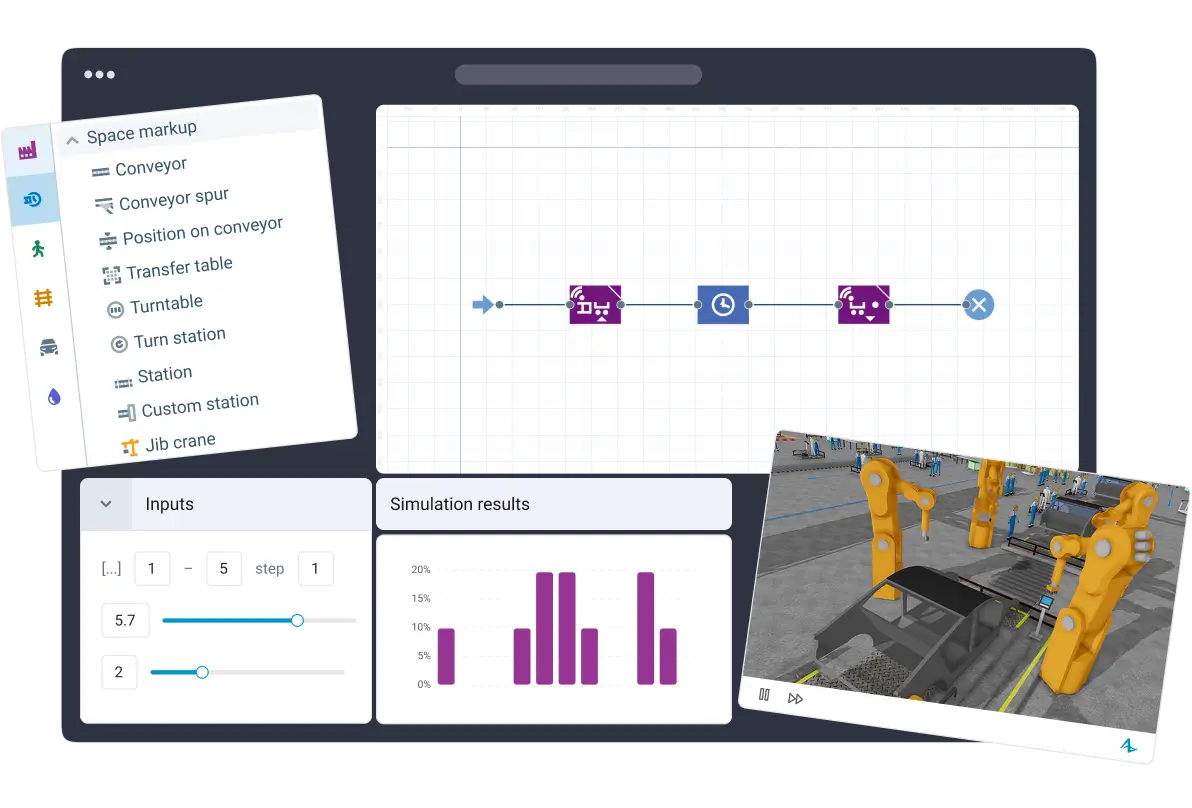
One Simulation Software.
Two Environments
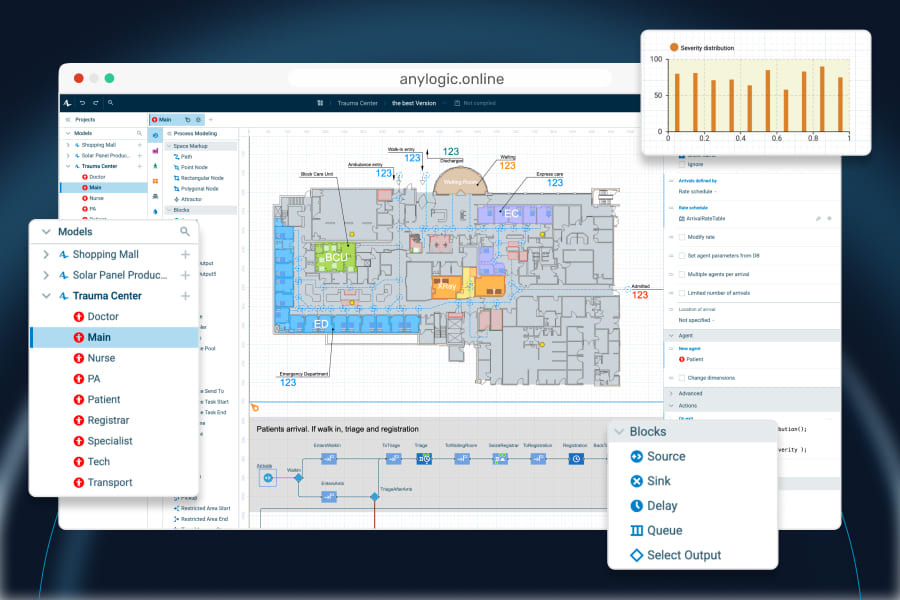
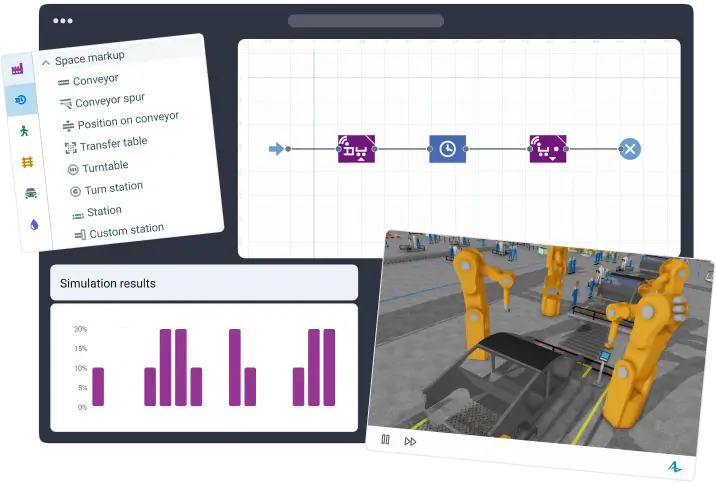
AnyLogic provides two fully compatible modeling environments with identical functionality: desktop and online. Create, develop, run, share, and deploy your simulation models where it suits you best, or combine both for a seamless workflow.
Online
- Work online
- Build, run, and share models using any browser
- Collaborate with your team
- Switch and move your models to the desktop version anytime

Desktop
- Work offline
- Build and run models locally
- Keep models and data on your computer
- Switch and move your models to the online version anytime
Open on desktop to download
Start building your model in one environment and continue in the other, switching between them whenever you want. Learn more about AnyLogic Online
Create, Deploy, Use, and
Update Simulations
Deploy simulation models as digital twins, build enterprise-level simulation solutions, embed simulations into operational workflows through APIs, and much more.
Learn more about Digital Twins and Enterprise Simulation

Model Faster With
Industry-Tailored Libraries
Discover ready-to-use libraries to model processes across a wide range of industries. Use intuitive drag-and-drop elements to accurately model logic, constraints, and dynamics of systems of various nature and scale.
Check libraries overview
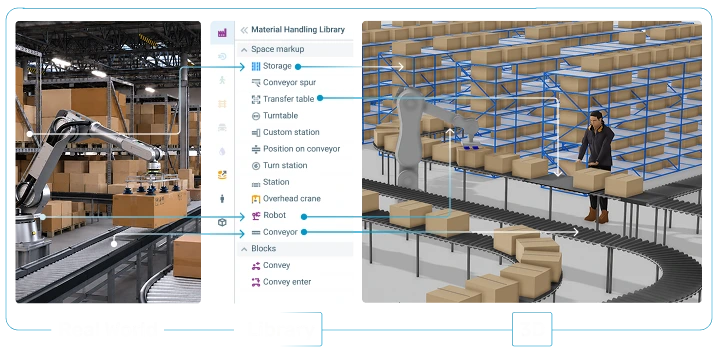
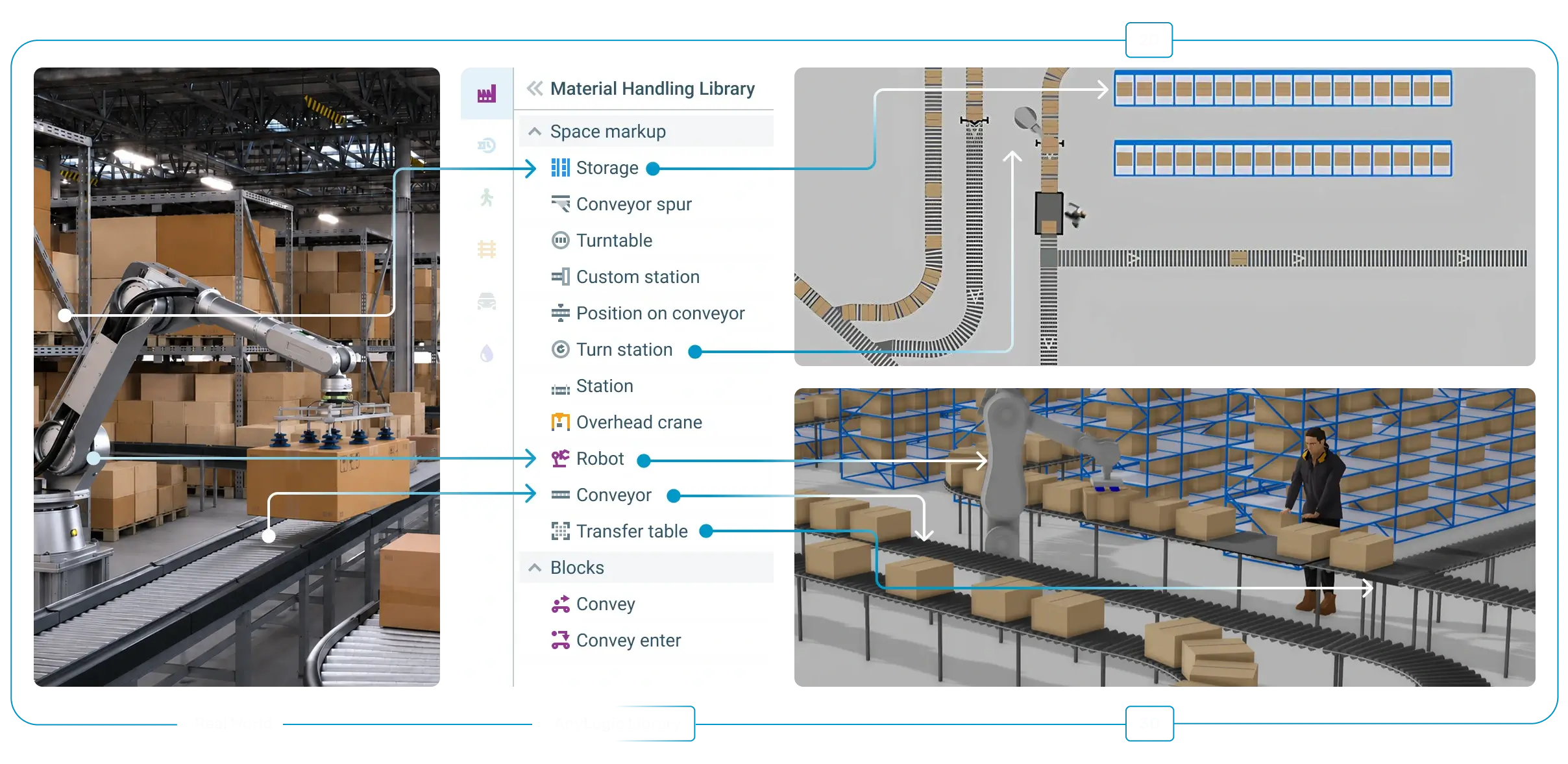
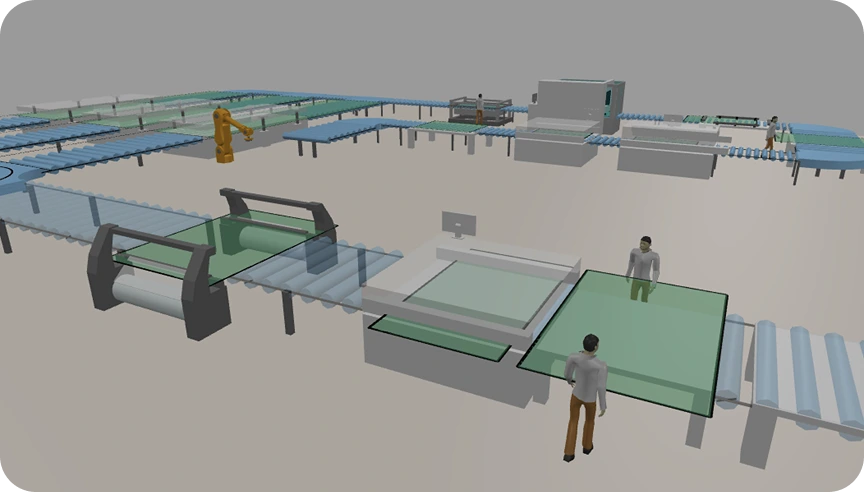
 Material Handling Library
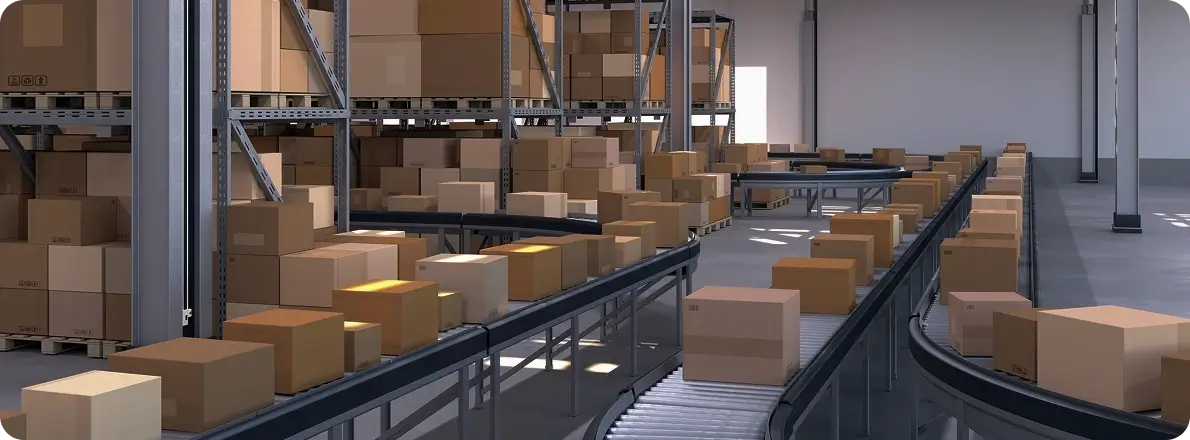
Design and optimize manufacturing, warehouse, intralogistics, and automation systems of any complexity. Analyze throughput, identify bottlenecks, and estimate required resources. Best for inside the 4 walls modeling.
Learn more
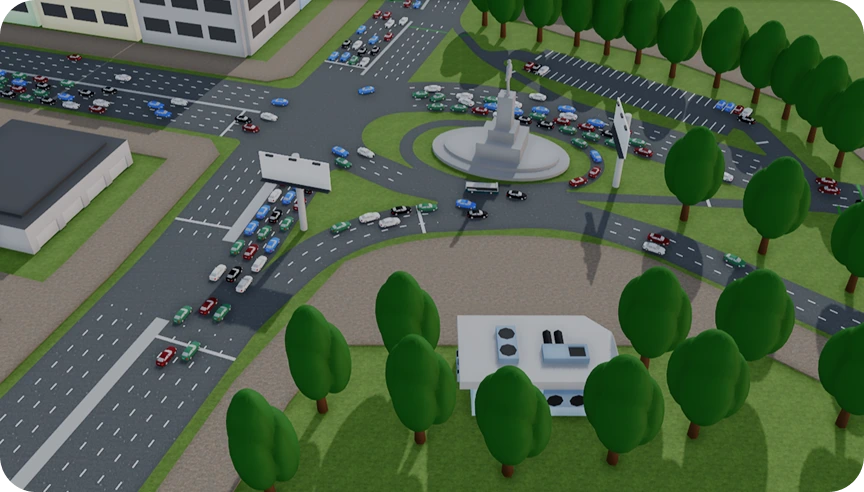
 Road Traffic Library
Realistic microscopic simulation of road traffic. Intersections, traffic lights, public transport, parking, and more. Analyze congestion, traffic control strategies, road layouts, and infrastructure performance. Combine with the Pedestrian Library for comprehensive analysis.
Learn more
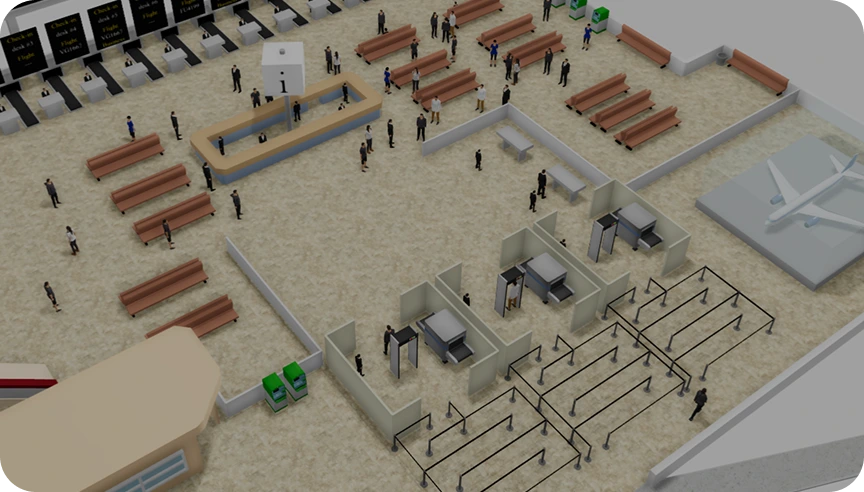
 Pedestrian Library
High-fidelity simulation of pedestrian flows and crowd dynamics. Model passenger terminals, shopping malls, pedestrian crossings, or people at manufacturing facilities. Identify bottlenecks, analyze throughputs, optimize layouts and processes, and explore evacuation scenarios.
Learn more
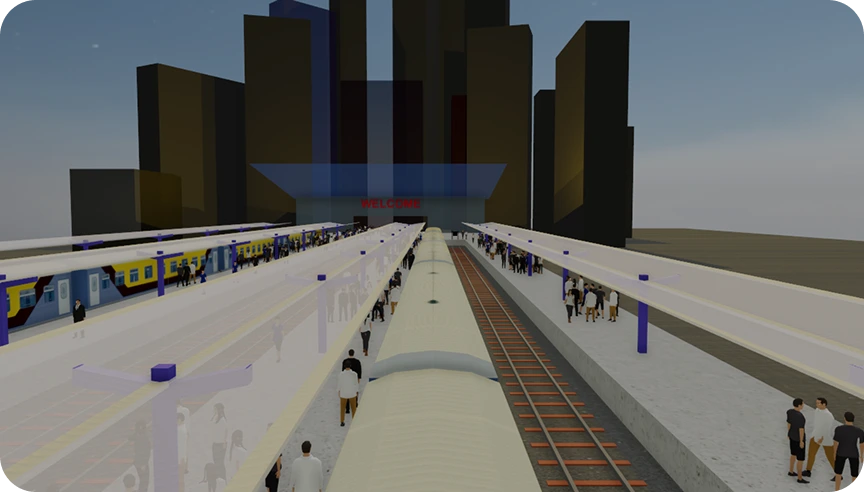
 Rail Library
Detailed simulation of train and rail car movement in rail yards, stations, terminals, mining facilities, and production sites. Import rail network layouts, define switch logic and train schedules, coupling and decoupling. Evaluate throughput, utilization, and operational efficiency.
Learn more
 Fluid Library
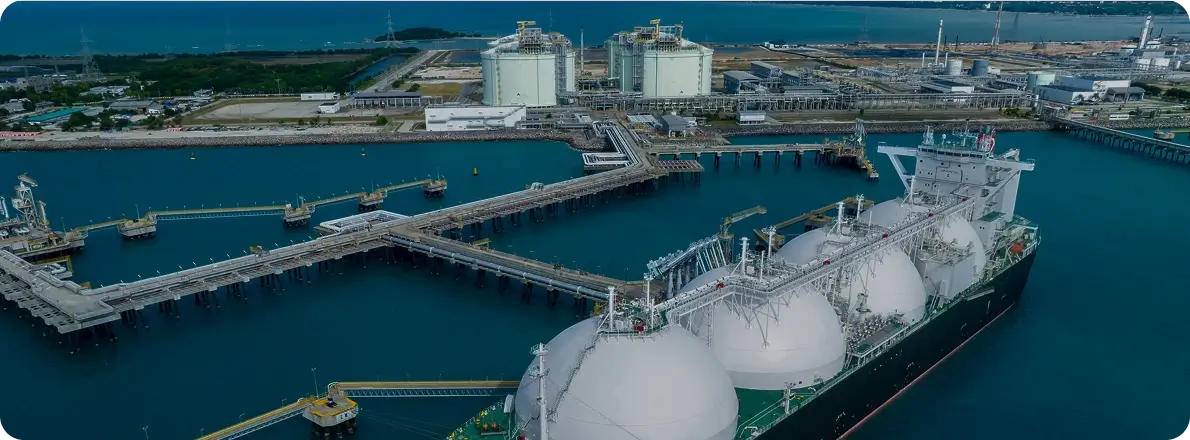
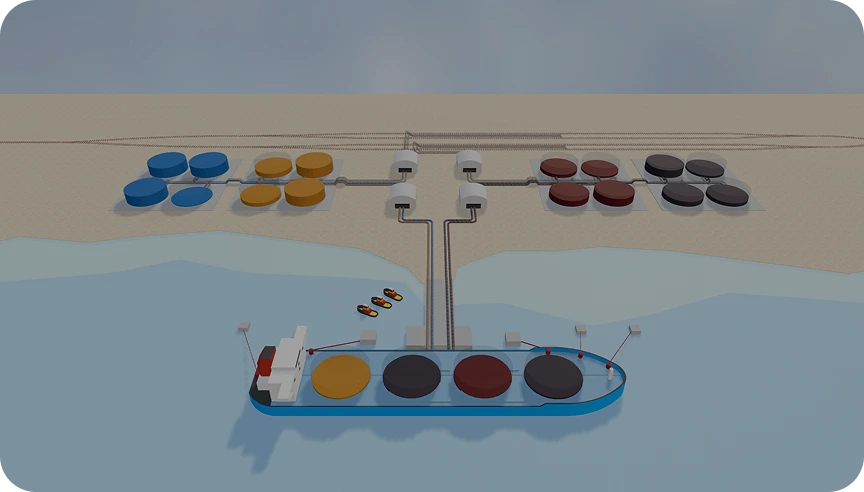
Model systems involving fluid flows and bulk materials. The library includes pipeline networks, storage, and transformation objects for liquids, gases, or granular materials. Integrate with Material Handling and Process Modeling Libraries and convert fluid to discrete entities.
Learn more
 Process Modeling Library
This general-purpose library provides basic blocks for building process-oriented models with different queuing systems. Use it in combination with other libraries or as a foundation to build custom process logic for complex systems.
Learn more

 Road Traffic Library
To model vehicle movement on road networks
 Pedestrian Library
To model crowd dynamics and pedestrian flows
 Rail Library
To model rail networks with detailed control
 Fluid Library
To model systems involving bulk materials and fluid flows
 Process Modeling Library
To model operational workflows across industries

Model Any System at Any Level
of Detail With a Multimethod
Simulation Approach
Simulate any system, process, or behavior accurately and efficiently, without compromise. No workarounds! AnyLogic is the only software that supports true multimethod modeling. Mix simulation methods to represent complex real-world systems at any level of abstraction. Learn more
Learn more
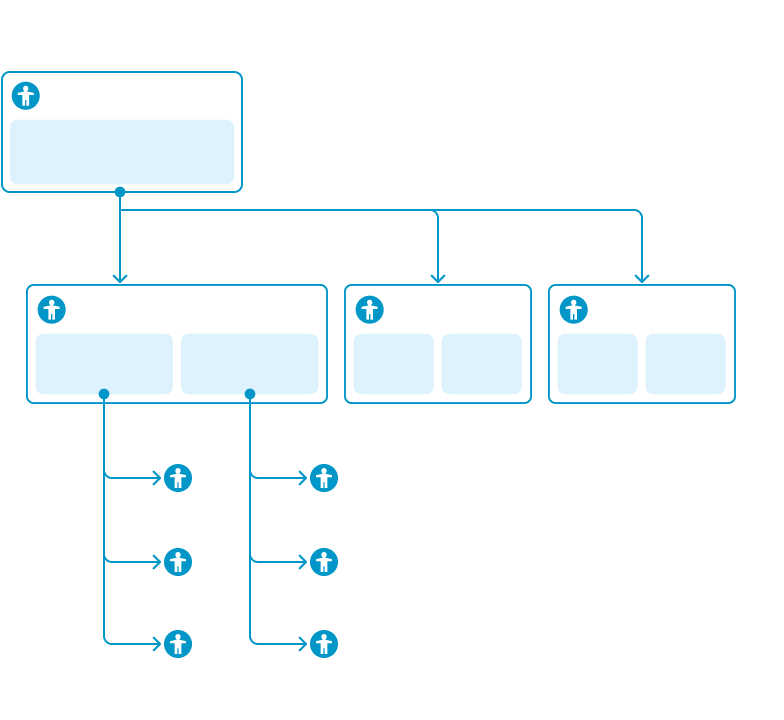
Capture complex system behavior that can’t be defined top-down.
Use Agent-Based Modeling
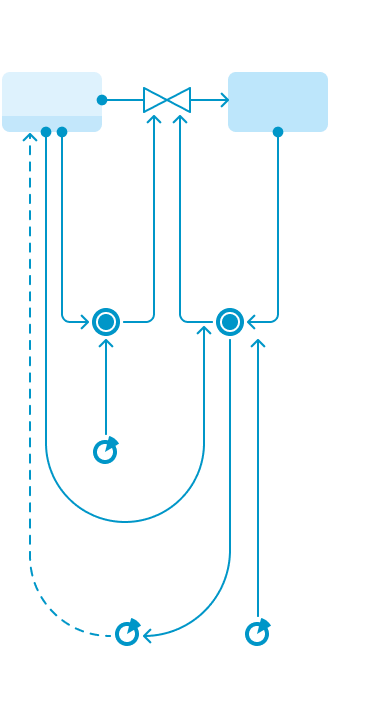
 See how cause-and-effect relationships drive long-term system dynamics and make strategic decisions.
Use System Dynamics Modeling
 Discrete-Event Modeling
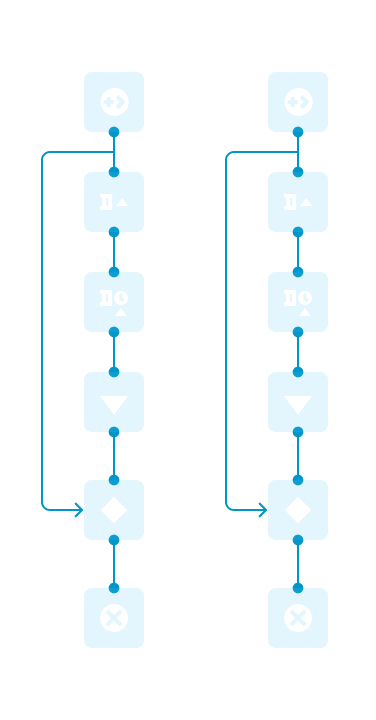
Need to model detailed processes, operations, and resource flows?
Analyze how sequences of events, queues, and constraints shape system performance.
Use Discrete-Event Modeling
Explore Further With
Experiment Frameworks
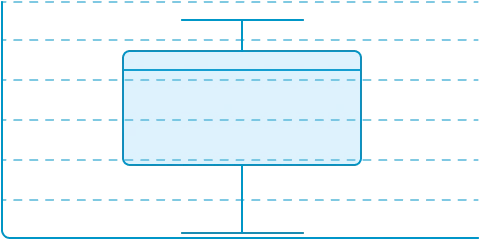
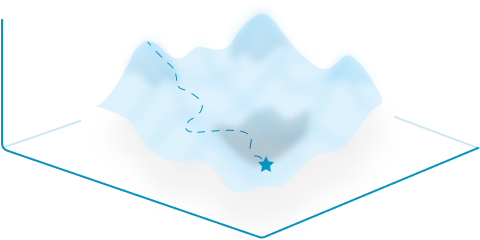
Go beyond a single simulation run with AnyLogic’s built-in experiment frameworks. Test uncertainty, understand how parameter changes affect system behavior, compare scenarios, and find better solutions based on your objectives and constraints.
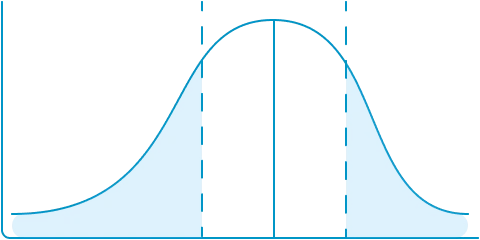
Explore uncertainty and understand the range of possible outcomes across repeated simulation runs.
Discover how changes in model inputs influence results and identify the parameters that matter most.
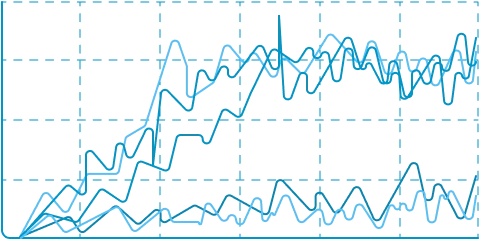
Test different parameter combinations and compare how your system performs under different conditions.
Search for better solutions by exploring alternatives based on your objectives, constraints, and requirements.
Visualize at Any Level of Detail
From lightweight process animation to realistic operational environments, AnyLogic lets you choose the visualization that best fits your project.
Check models in 2D and in advanced built-in 3D with shadows, skyboxes, and a large number of 3D figures.
When needed, use the official AnyLogic-NVIDIA Omniverse integration that allows you to create photorealistic animation.
Increase Your Productivity
With an AI Assistant
Enhance your models with AI capabilities. Use the built-in AI assistant to ask questions about AnyLogic, understand how an existing model works, identify and troubleshoot model errors, or create new models from scratch.
The AI Assistant helps you get started faster and supports you throughout the modeling process.
Open Simulation Platform
to Fit Your Technology Stack
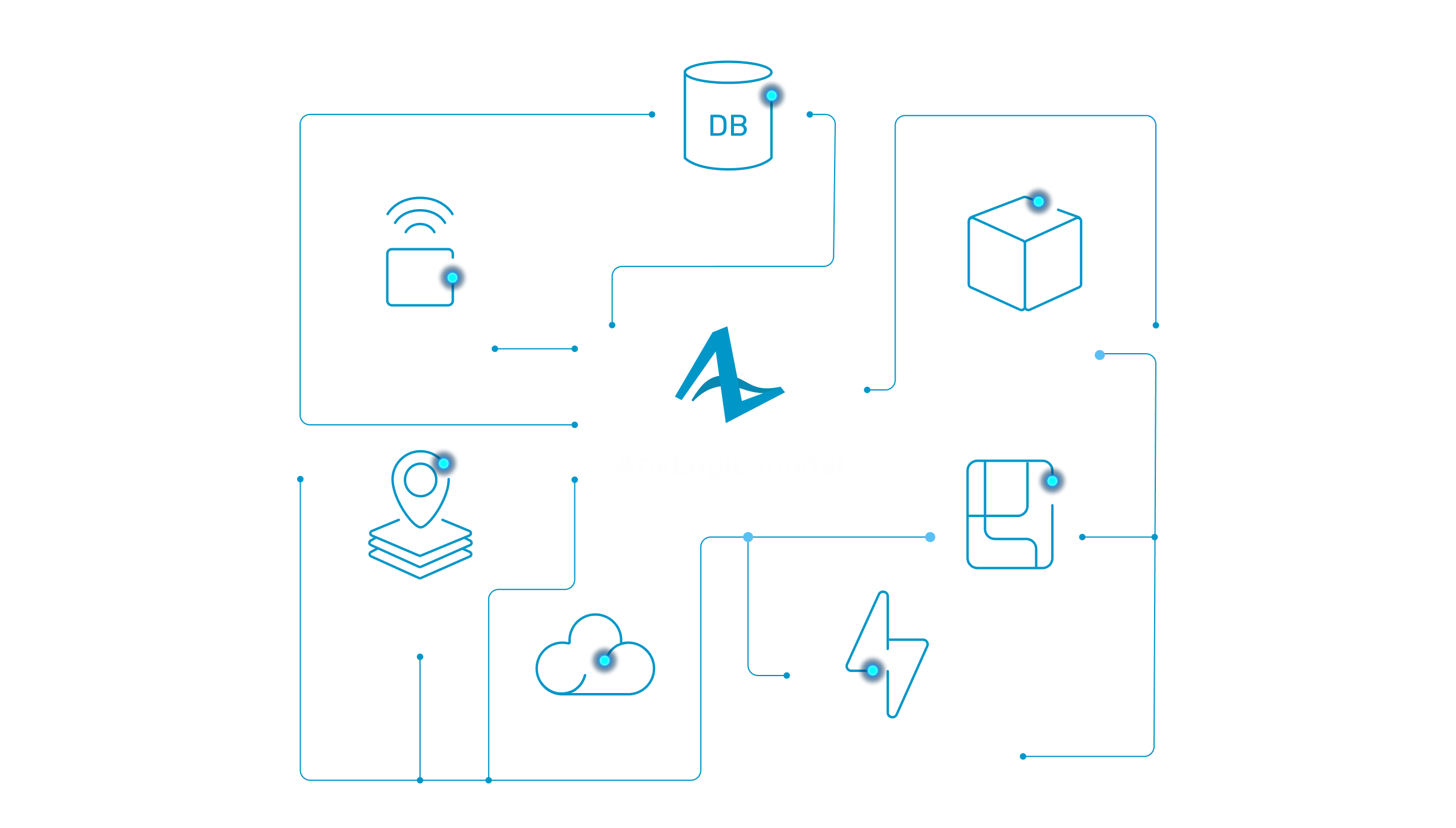
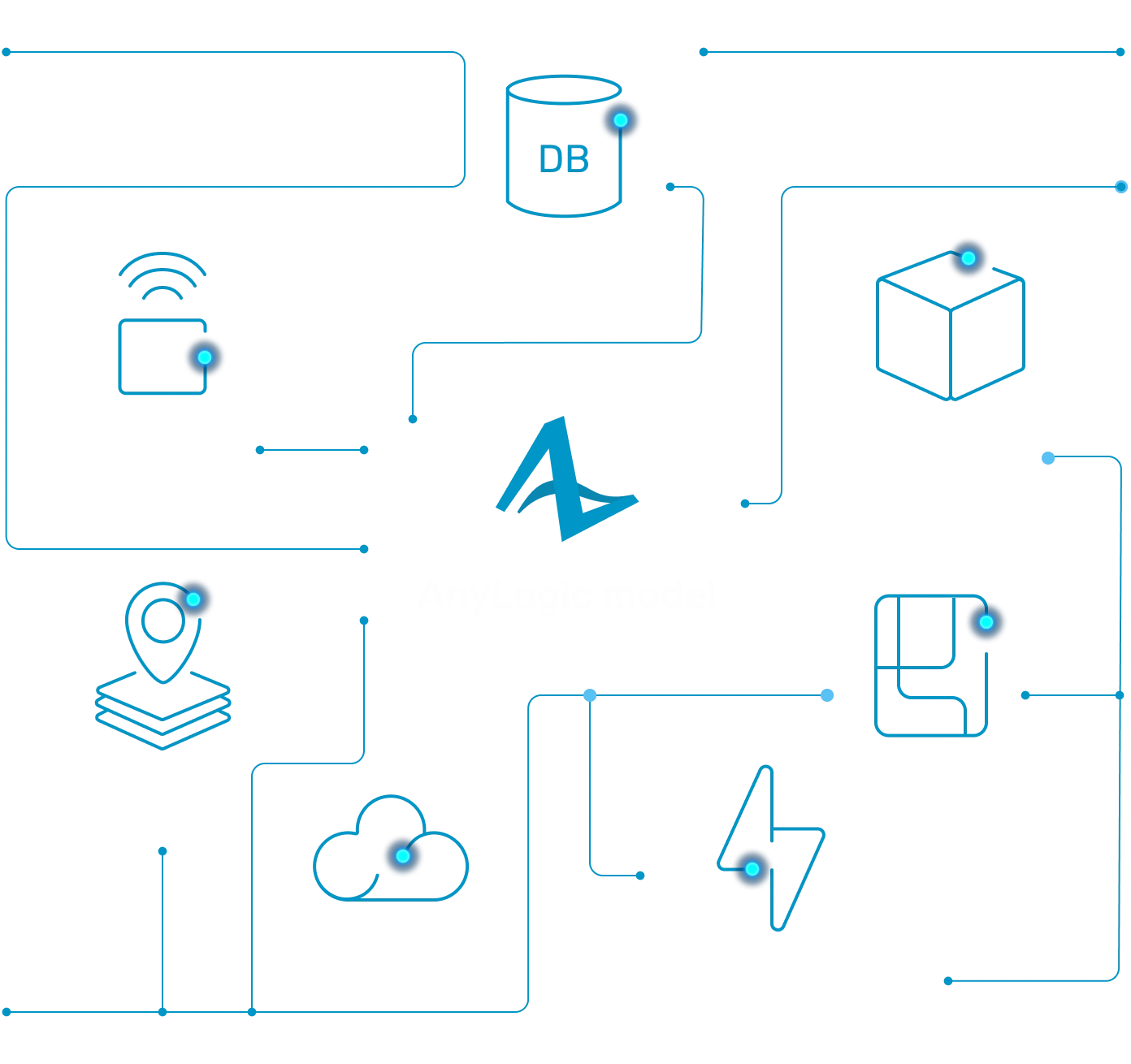
Connect, extend, and integrate without limits. AnyLogic is designed as an open platform that seamlessly integrates with your existing technology stack, data sources, and enterprise systems.
Explore Models Built
With AnyLogic
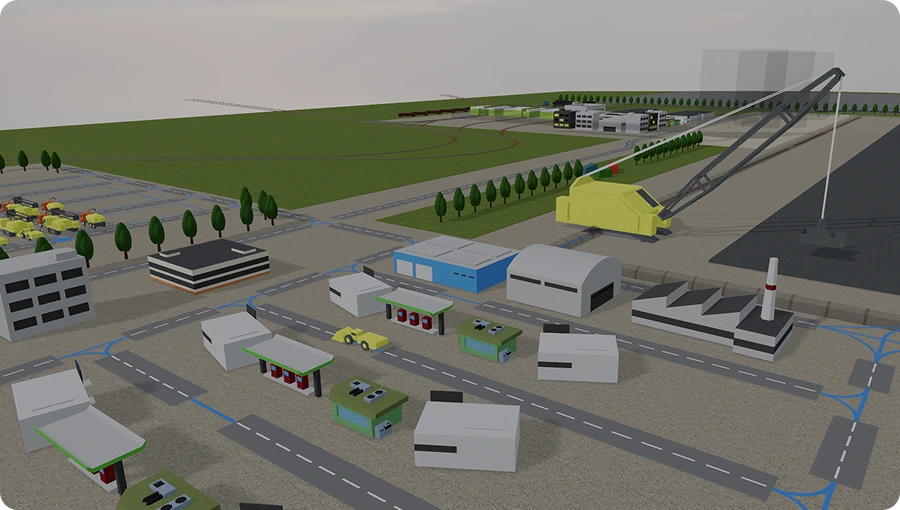
See how different simulation methods and built-in libraries come together to model real-world systems across industries. Open public models with their source files, create your own copies, and modify them directly online.
Explore how they work, experiment with different settings and logic, or use them as a starting point for your own simulation journey! Explore online
AnyLogic Is More Than
a Simulation Tool
From expert guidance and learning resources to flexible licensing and a global community, we provide everything you need to build, deploy, and scale simulation successfully.



Get expert support

Access extensive documentation and tutorials


Discover hundreds of model examples

Choose licensing options that fit your needs, including floating licenses

Join the global
simulation community
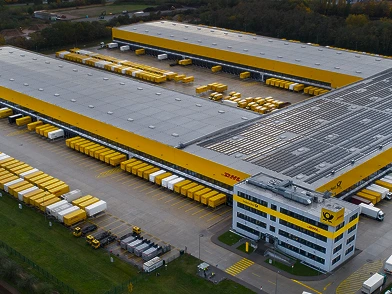
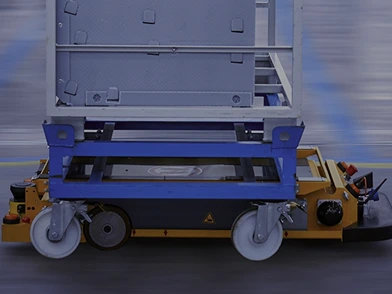
Simulation Software in Action:
Industry Examples
See how simulation software is transforming real businesses. From logistics and manufacturing to transportation and urban infrastructure, our customers are unlocking new levels of efficiency, agility, and resilience.








Ready to Create Your First
Simulation Model?
Incorporate physical, operational, and decision-making elements into unified models to gain real insights and make smarter decisions.
FAQs About Simulation Software
Choose a tool that can model different types of systems, not just one process. It should support several simulation methods, scenario testing, data integration, and clear visualization. AnyLogic fits this because it can be used across healthcare, manufacturing, resource extraction, logistics, and other industries.
A simulation experiment is a way to test different scenarios in a model. Teams can change inputs, compare results, and see what may happen before making real-world changes. In AnyLogic, simulation experiments help analyze risks, bottlenecks, capacity, costs, and performance.
Model integration means connecting a simulation model with other tools, systems, or data sources. For example, a model can use data from Excel, databases, AI tools, or enterprise systems. In AnyLogic, model integration helps simulation become part of real business workflows.
Yes. AnyLogic Online lets you create simulation models directly in your browser without installing desktop software. You can build models from scratch, work with copies of public models, or continue developing models you started working with on the desktop version.
AnyLogic AI Assistant helps you get started and work with models more efficiently. You can ask questions about AnyLogic, get explanations of existing models, troubleshoot model errors, and create simple simulation models from text descriptions.
AnyLogic models can connect with AI and reinforcement learning tools through Java, Python, APIs, databases, and other integrations. This lets teams use simulation as a safe environment where they can test decisions, learn from results, and improve without risking real operations.
3D modeling and simulation means showing a system in a three-dimensional visual environment while the model runs. In AnyLogic, it helps users see how people, vehicles, equipment, or facilities move and interact. This makes complex systems easier to understand and explain.
Yes. AnyLogic has an official integration with NVIDIA Omniverse to combine simulation with high-fidelity, photorealistic 3D visualization. Omniverse adds advanced lighting, shadows, and materials, making models easier to understand and more persuasive through simulation and visualization.