Work in the online editor
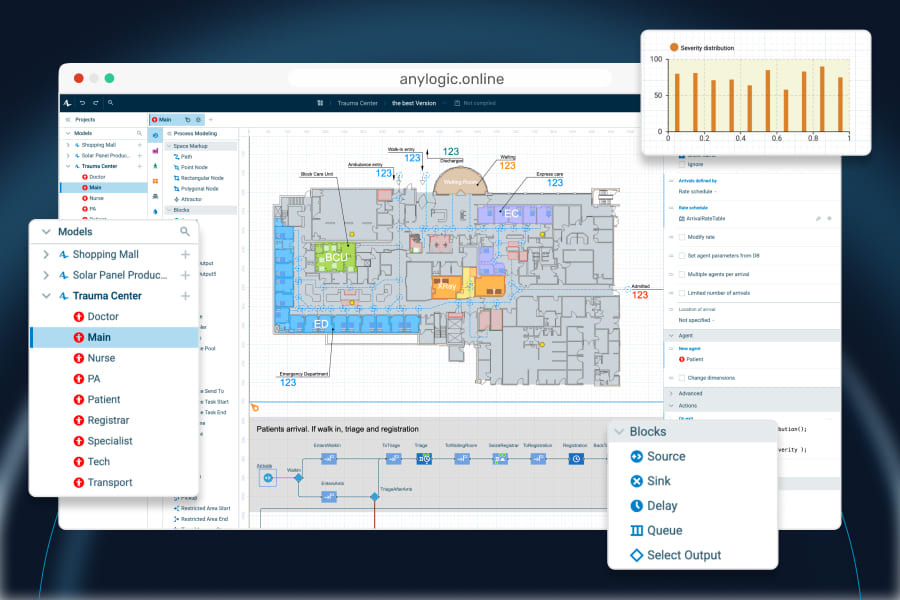
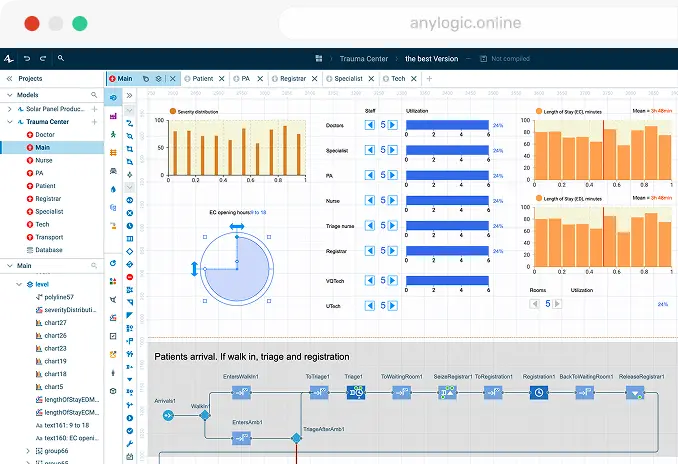
Fully functional development environment, including process flowcharts, animation, CAD drawings, GIS maps, databases, and much more in your browser.
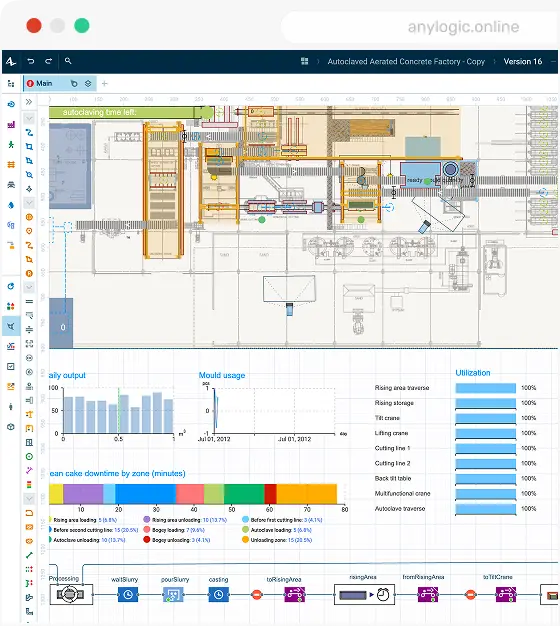
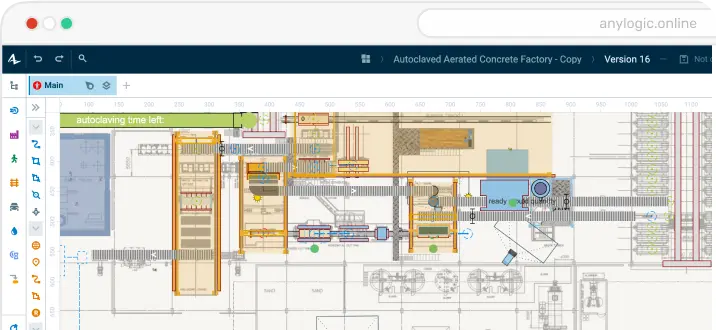
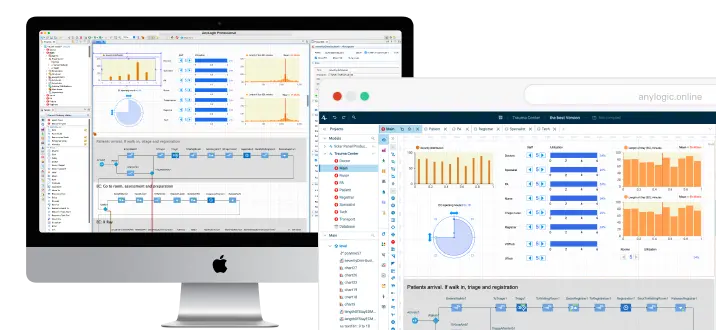
Create, develop, run, and share simulation models directly in AnyLogic Online. Work in any browser and switch between online and desktop whenever you want.
Trusted by over 40% of Fortune 100 companies












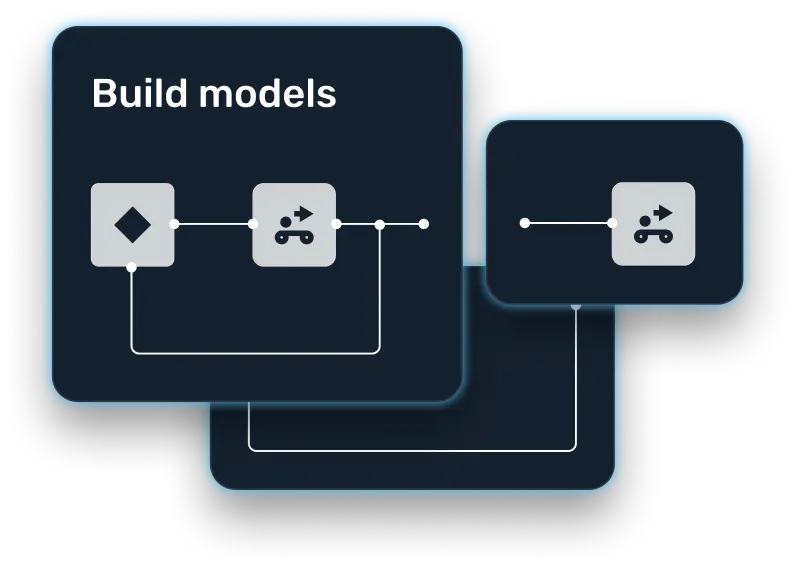
Create, develop, run, and share simulation models directly in AnyLogic Online. Work in any browser and switch between online and desktop whenever you want!
AnyLogic Online provides a fully functional simulation modeling environment in your browser. Explore it in action!
Choose the level of abstraction, define structure, space, and logic, then configure experiments in one workspace.
Fully functional development environment, including process flowcharts, animation, CAD drawings, GIS maps, databases, and much more in your browser.
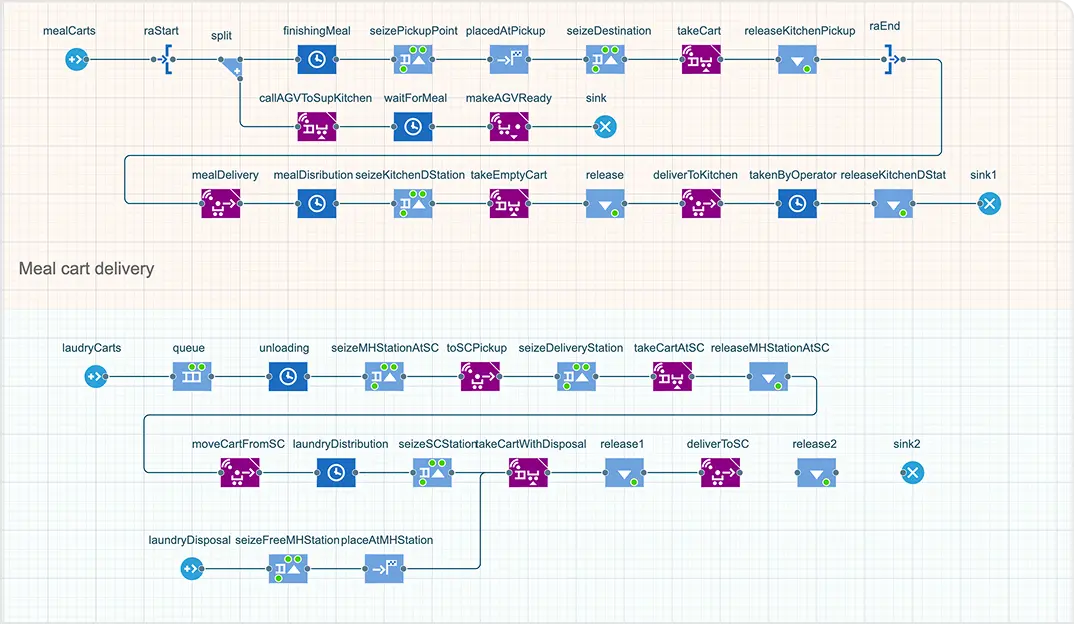
Define structure, processes, behavior rules and metrics using graphical modeling elements, AnyLogic libraries, and code.
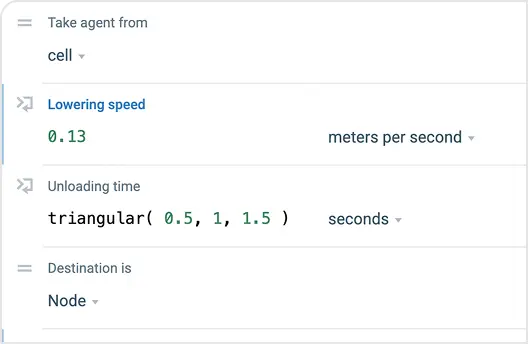
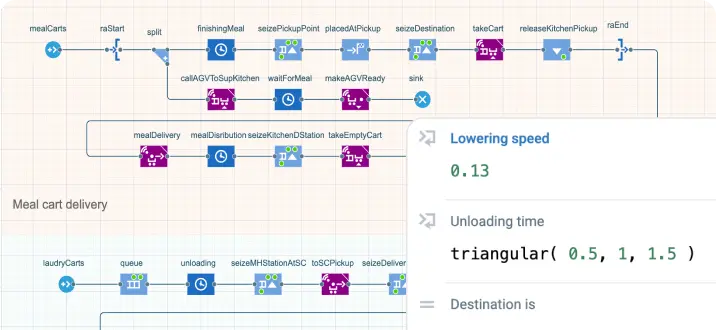
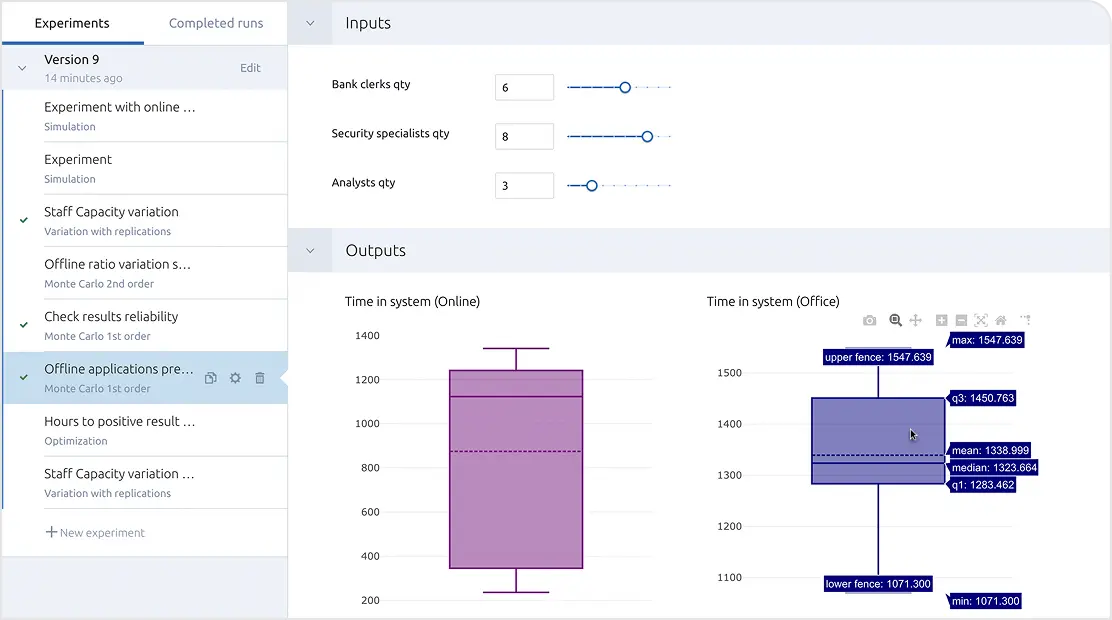
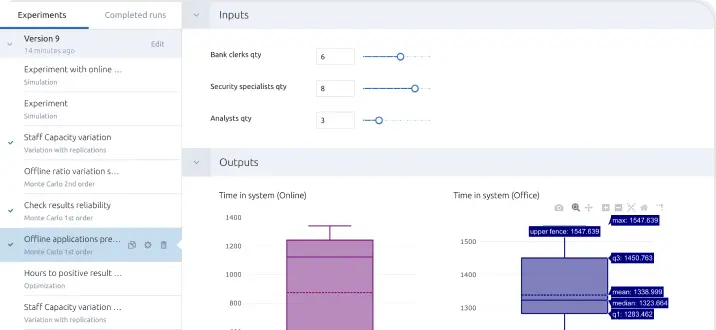
Set model inputs, outputs, and experiment settings before running your model.
Build spatial models using facility layouts, GIS maps, and 2D and 3D environments to represent where processes, movement, and interactions take place.
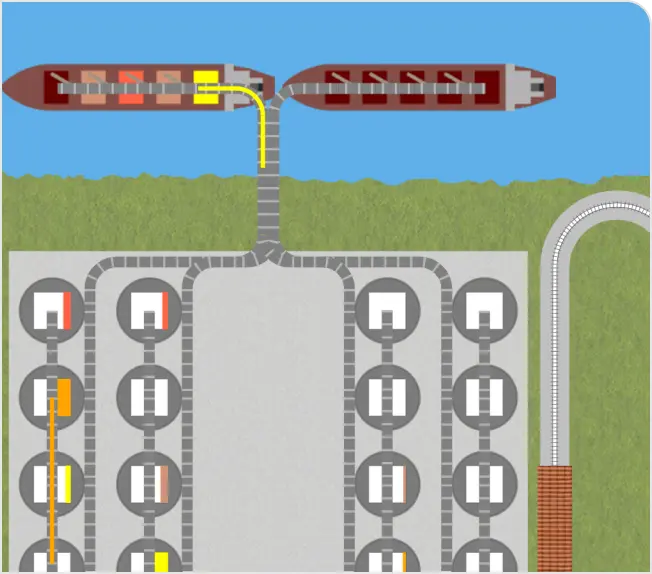
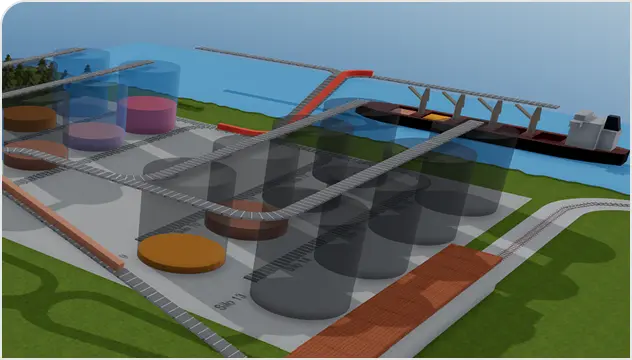
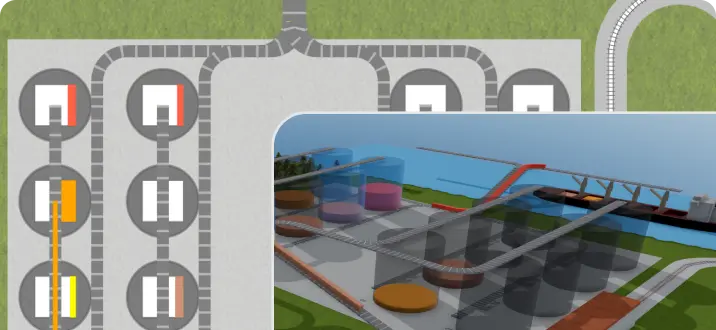
Continue working with the same model in another environment and switch back whenever you want.
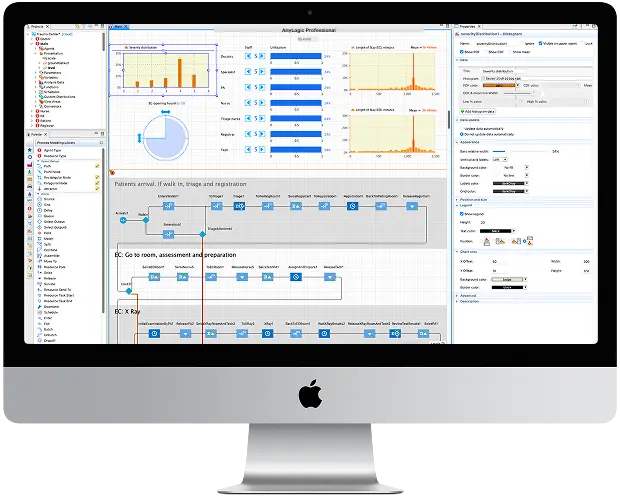
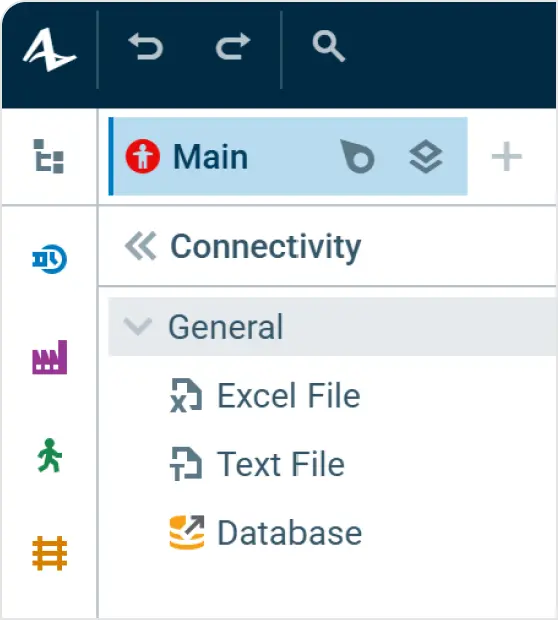
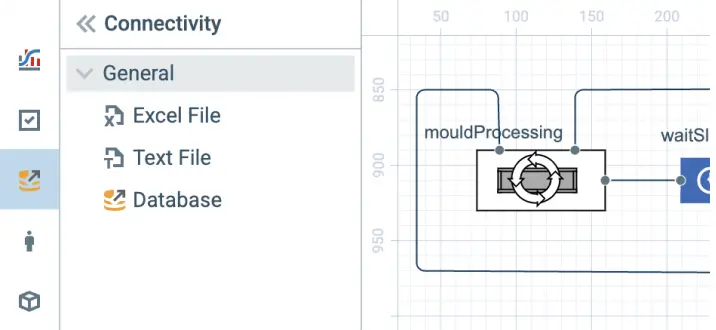
Bring data into your model from Excel files and databases to define model inputs such as schedules, resource availability, demand, and other parameters.
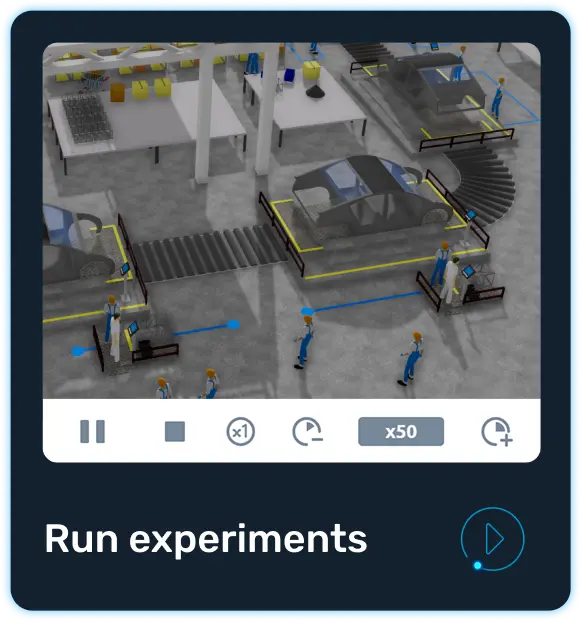
Once your model is ready, run it directly in AnyLogic Online. Watch 2D and 3D animation in the browser, create Parameter Variation, Monte Carlo, or Optimization experiments, configure parameters, and explore and compare scenarios.
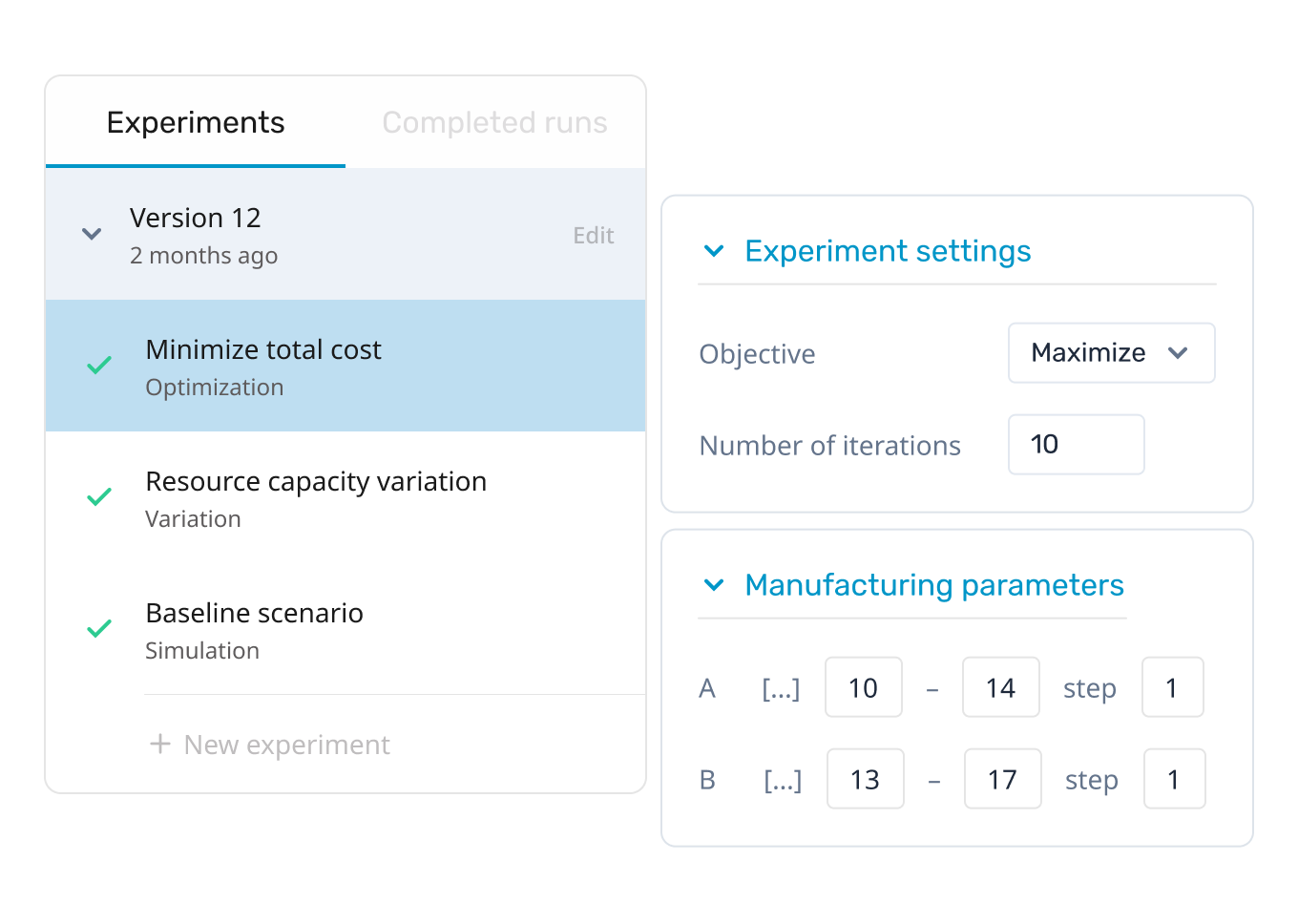
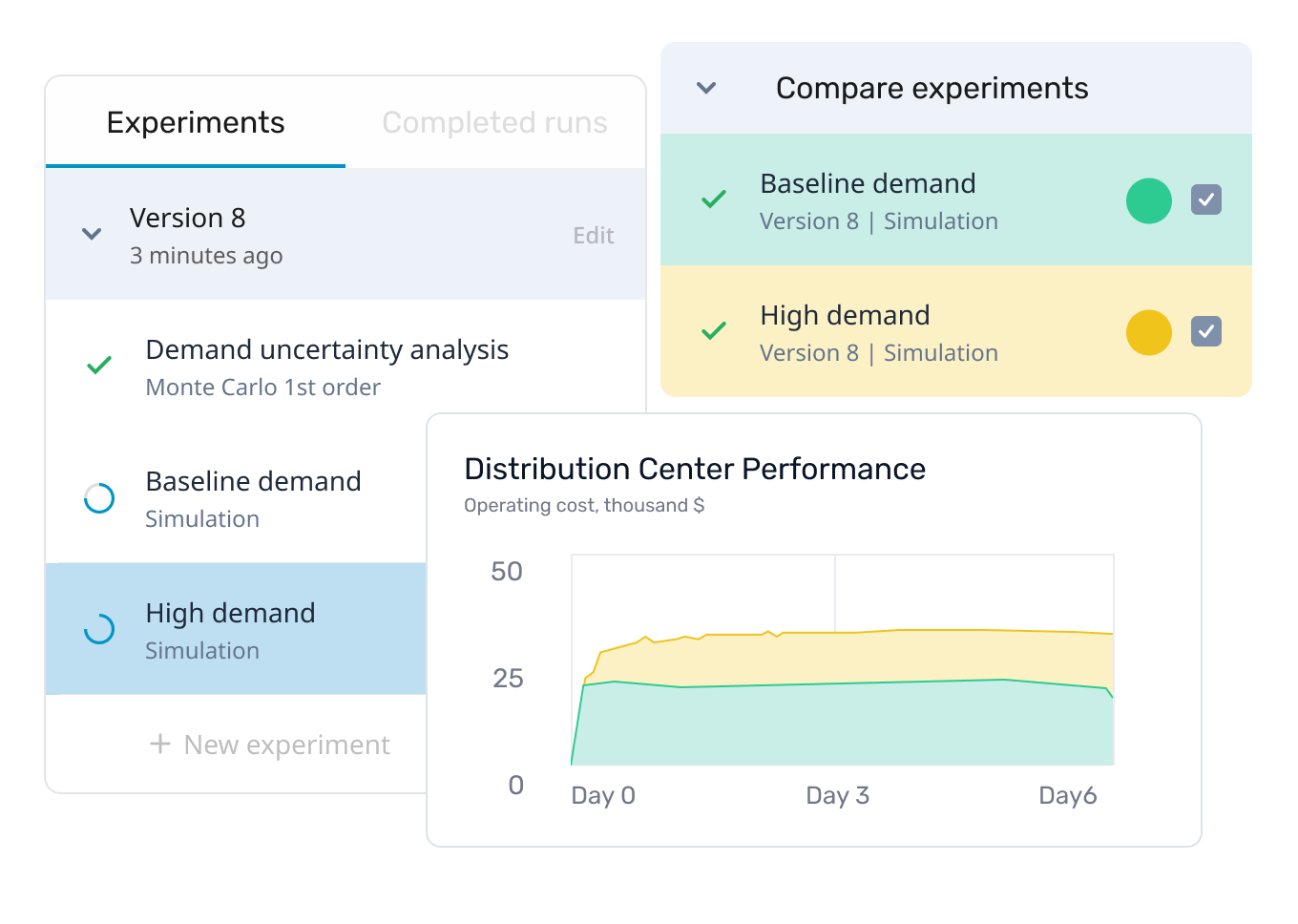
Change model inputs and compare how different decisions affect the results.
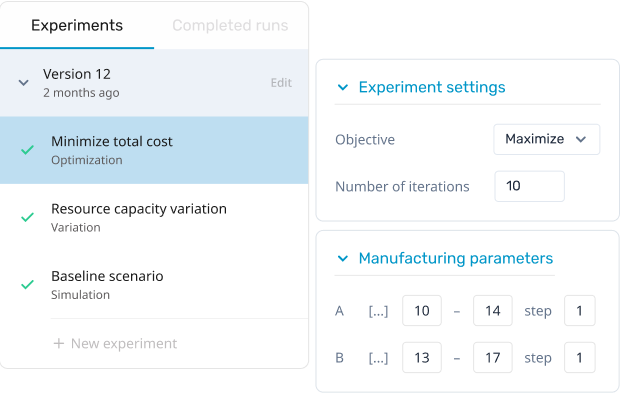
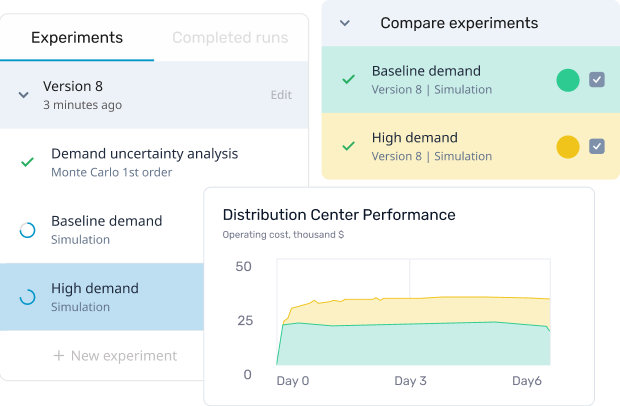
Execute multiple experiments at the same time and compare their results.
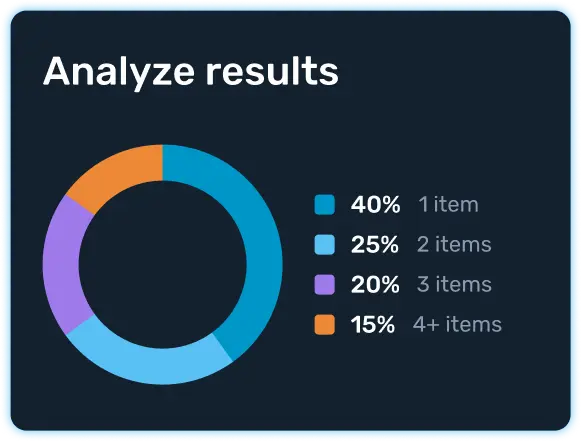
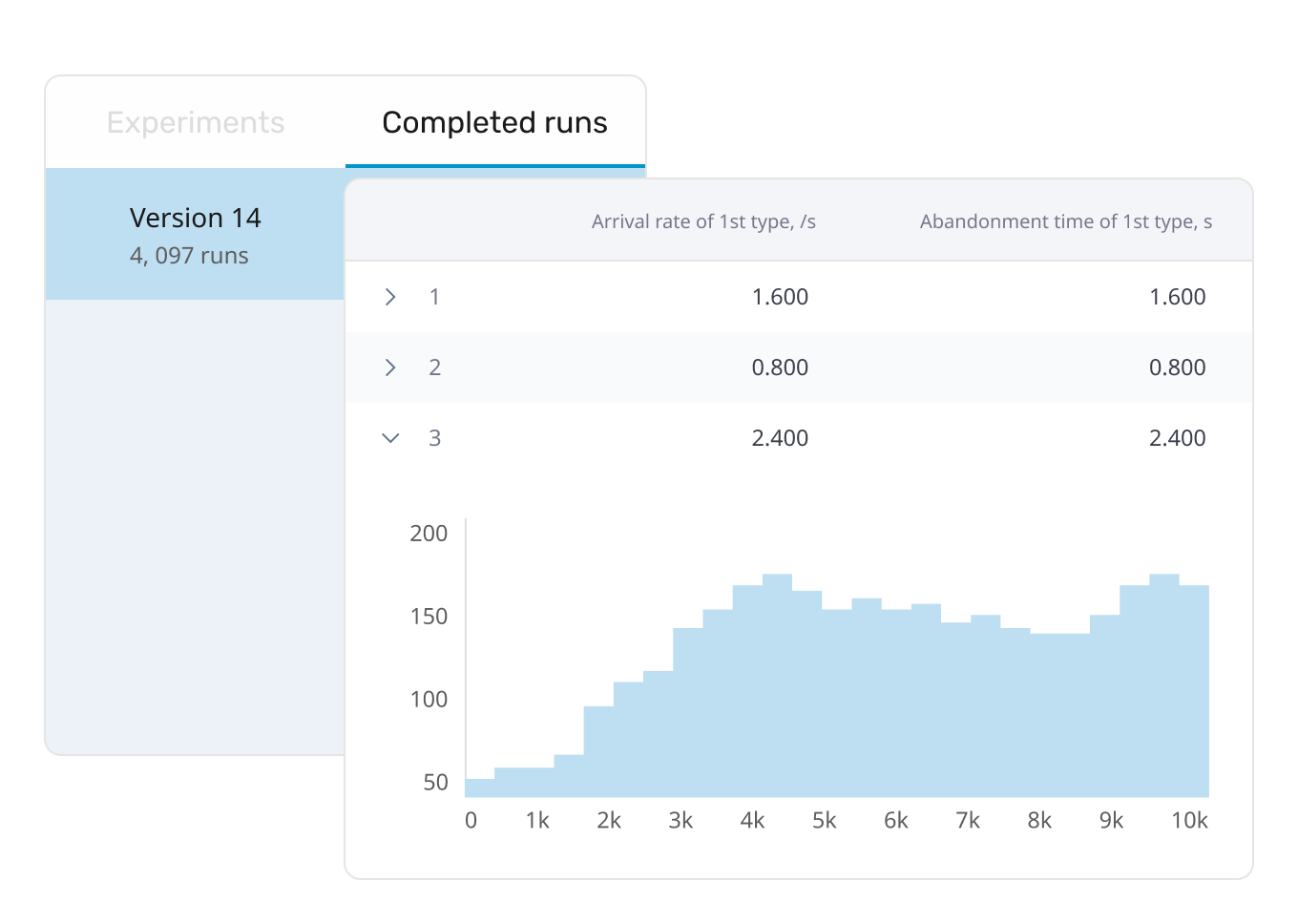
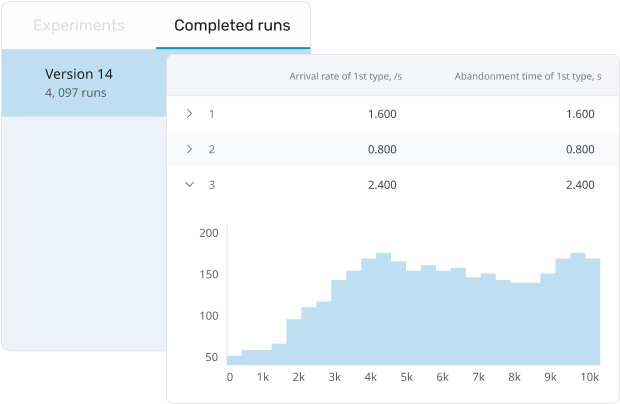
Compare completed runs in one place. Sort and filter results, inspect charts and detailed run data, and export results to Excel for further analysis and reporting.
Create customizable experiment dashboards with interactive charts and output widgets. Use advanced visualizations such as box plots, scatter plots, and surface plots, arrange dashboard elements with drag and drop, and configure the layout for your end users.
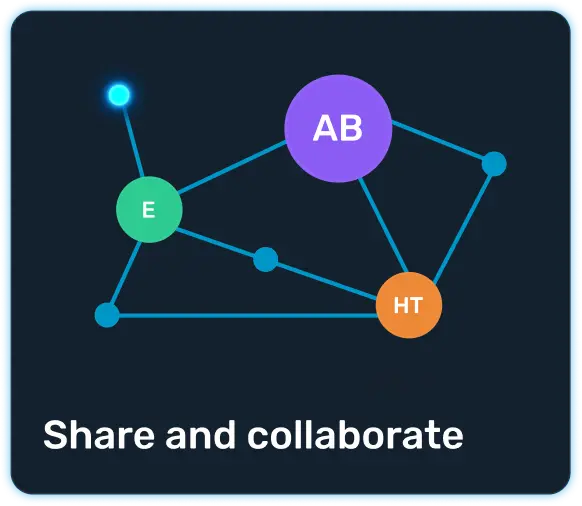
Multiple developers can work on the same modeling project, editing the model and managing versions in a shared workspace.
Once the model is ready, share it with selected colleagues, clients, or a wider audience. They can change approved inputs, run scenarios, and review results without navigating the model’s internal structure.
Connect simulation models with real-world data and business systems. Use them for planning, scheduling, and other ongoing operational tasks.
Discover simulation models that represent real-world systems across industries. See how they work, open available source models, and use them as a starting point for your own projects. Explore other models
Model complex systems across industries using specialized libraries for processes, movement, material flows, and infrastructure.
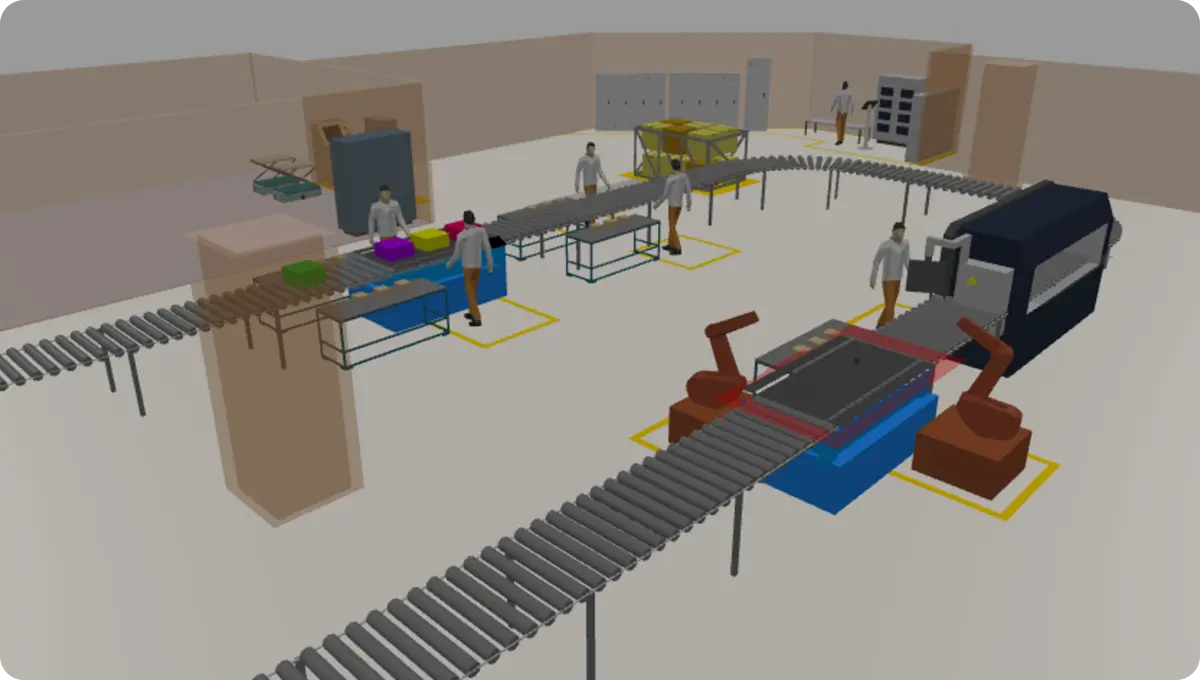
Improve production flow, capacity, resource use, and automation before making changes on the factory floor.
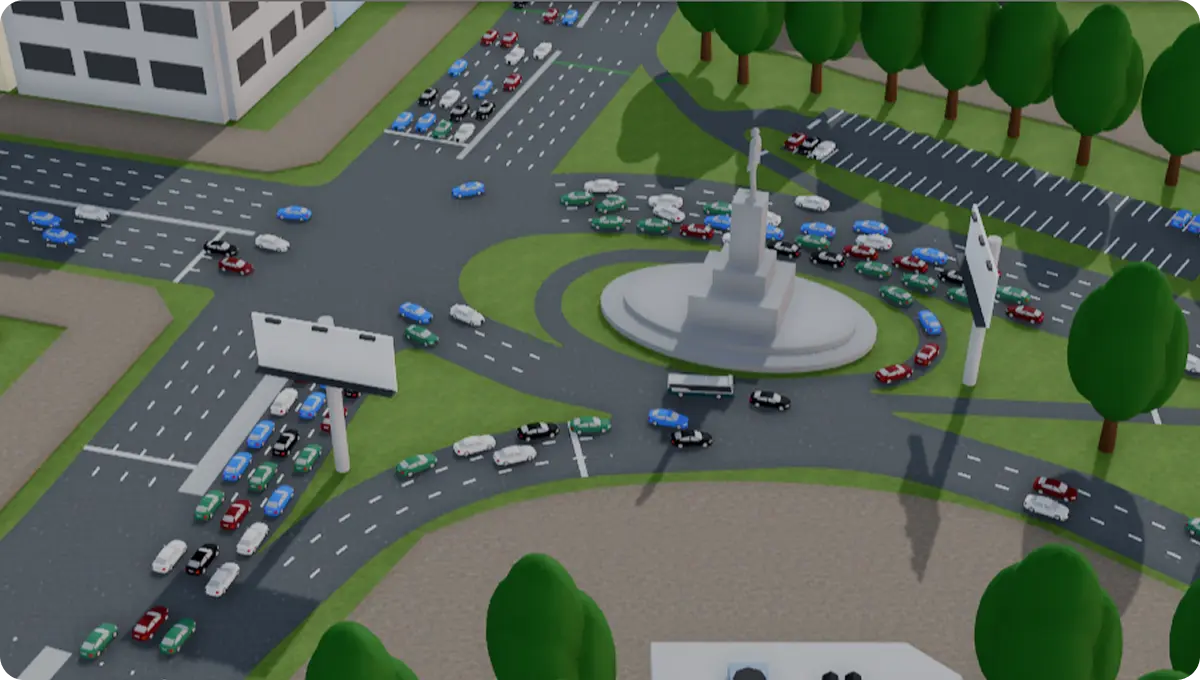
Evaluate routes, fleets, schedules, passenger movement, and infrastructure under changing demand.
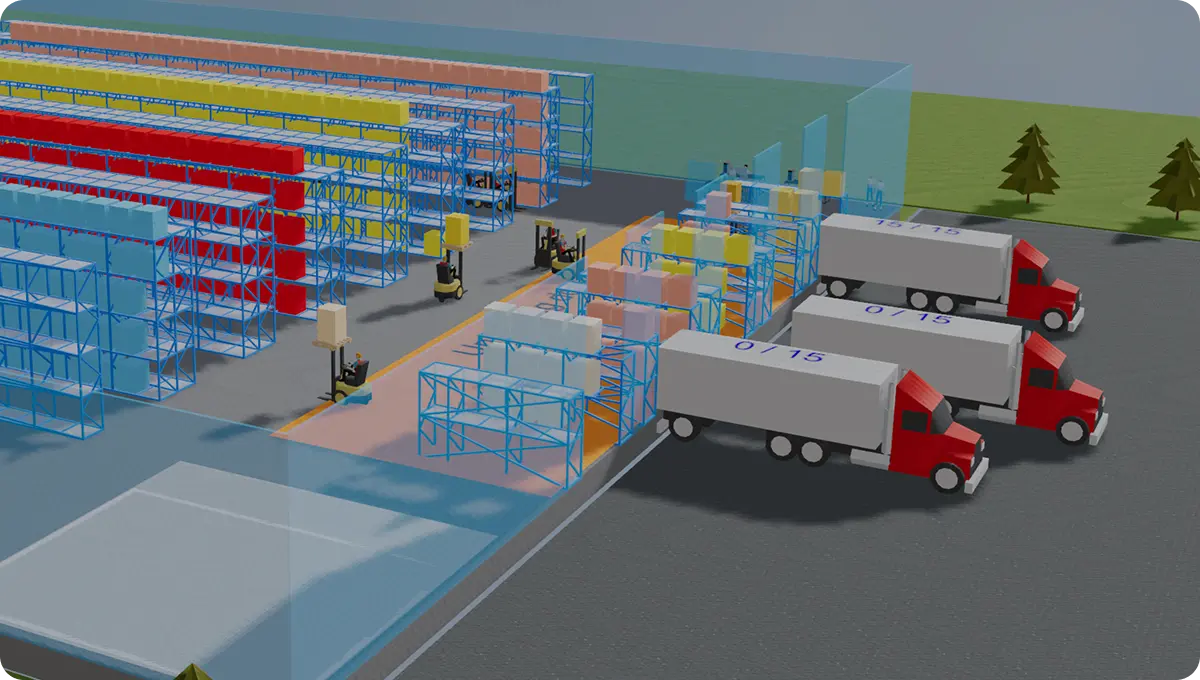
Compare layouts, storage strategies, labor, equipment, and automation to improve warehouse throughput.
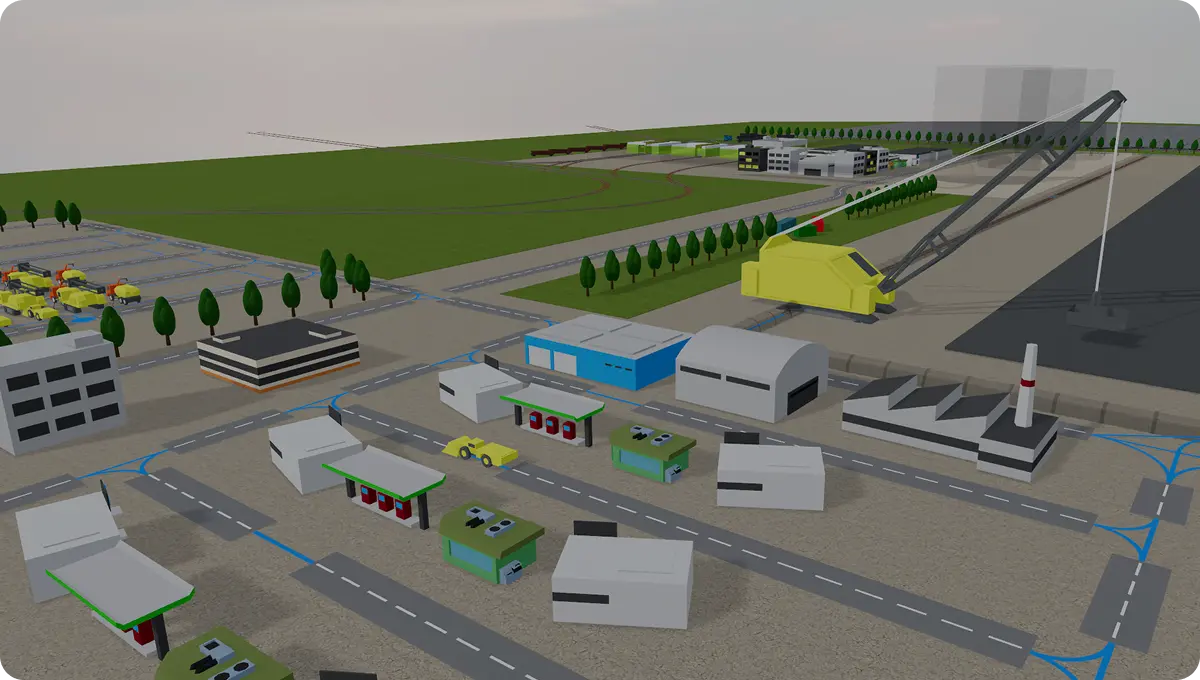
Coordinate extraction, processing, stockpiles, transportation, and material flows across complex operations.
Model production, processing, storage, transportation, and maintenance across connected operations.
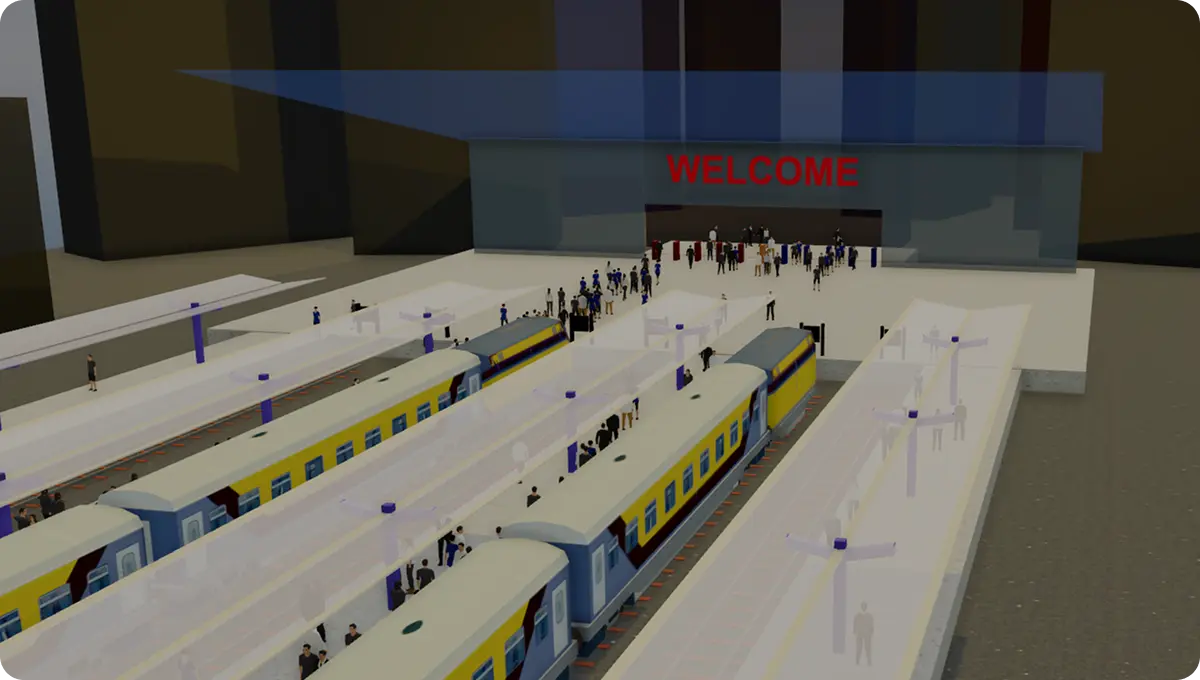
Model rail networks, terminals, schedules, and train movements to improve capacity and reliability.
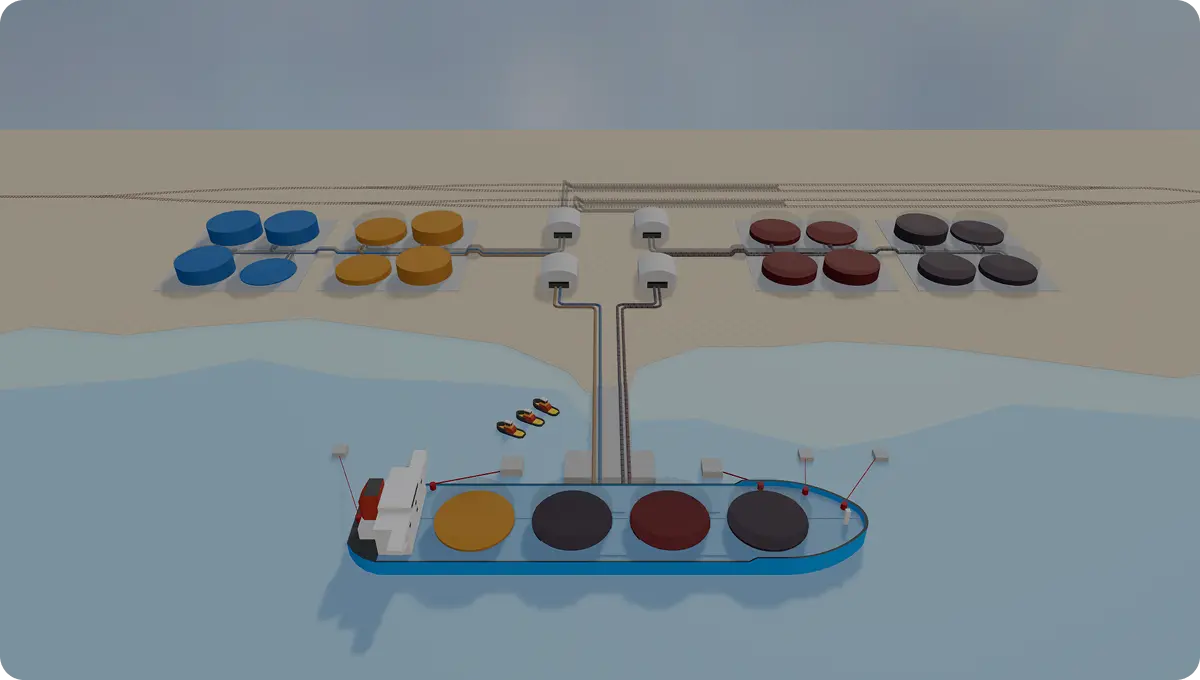
Test vessel, cargo, vehicle, rail, and yard operations to improve capacity and turnaround times.
Test network designs, inventory policies, sourcing decisions, and disruptions across the entire supply chain.
Deploy AnyLogic Private Cloud in your data center or on your preferred cloud platform. Keep simulation models, data, and processing within your own environment while giving teams a secure way to manage, run, share, and integrate models across the organization.Model creation and editing are not currently available in AnyLogic Private Cloud.
Build a simulation model in AnyLogic, then deploy it to your Private Cloud environment.

Secure option for small simulation teams
More capacity and control for growing simulation teams
Maximum scalability and performance for deployments
Experience the full capabilities of AnyLogic Private Cloud
Contact us for trialFor a complete comparison of Private Cloud editions and features, see AnyLogic Help.
Explore helpful guides, product insights, and real examples to better understand how AnyLogic Online works and discover all the features AnyLogic has to offer.
Start building your model in one environment and continue working with it in the other. Switch between online and desktop whenever you want.


AnyLogic Online is a browser-based environment for building, running, analyzing, and sharing simulation models.
No. AnyLogic Online lets you build models directly in your browser, while AnyLogic Desktop is available for local work. The same model can be used in both environments, so you can switch between them whenever needed.
Yes. You can create model logic, configure experiments, and update parameters, processes, resources, and visual elements directly in AnyLogic Online.
Yes. Change inputs, test scenarios, run experiments in parallel, and return to completed runs to review their settings and results.
AnyLogic Private Cloud is a privately deployed environment for organizations that need to keep simulation models, data, and processing within their own infrastructure. Note: models cannot be created or edited in AnyLogic Private Cloud. Build and update models in AnyLogic Online or AnyLogic Desktop, then deploy them to your Private Cloud environment.